What is a provisioning list
Z-WaveWhat is a Provisioning List?
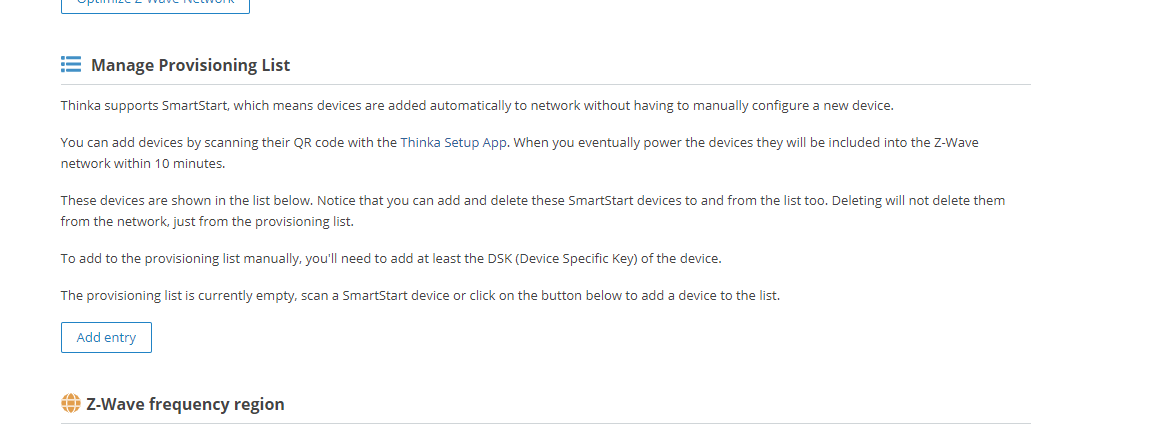
The provisioning list in Thinka makes adding smart devices to your Z-Wave network quick and effortless. With SmartStart support, Thinka automatically enrolls compatible devices—no manual configuration required!
- Easy Device Enrollment: Simply scan the device's QR code using the Thinka Setup App. Power up the device, and it will automatically join your Z-Wave network within 10 minutes.
- Manage Your Devices: All added devices appear in the provisioning list below. You can easily add or remove SmartStart devices from this list. Removing a device from the list does not disconnect it from your network—it simply removes it from the provisioning list.
- Manual Additions: Want to add a device manually? Just enter the DSK (Device Specific Key) to include it in the provisioning list.
If your provisioning list is empty, just scan a SmartStart device or use the button below to add a device.
Access your provisioning list by navigating to "Settings" → "Z-Wave" in the Thinka web app. See the screenshot below for reference: