What do the LEDs mean
Z-WaveWhat Do the LEDs Mean on Your Thinka Z-Wave Device?
The Thinka Z-Wave device features three RGB LEDs that provide instant visual feedback about its status. Understanding these LED signals helps you easily manage your Z-Wave smart home system. Here’s a quick guide to what each LED pattern means:
-
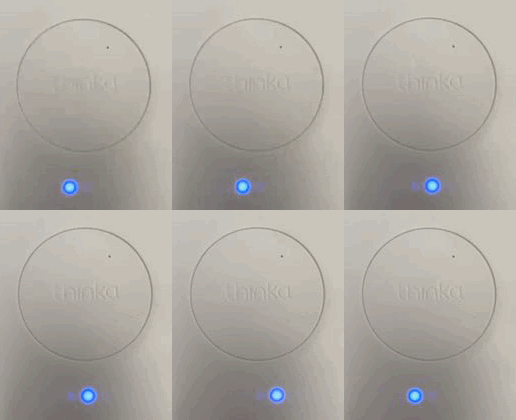 Inclusion Mode: Indicates your device is being added to the Z-Wave network.
-
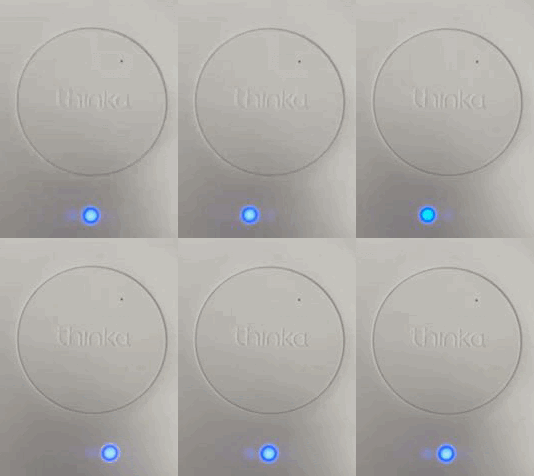 Exclusion Mode: Shows when your device is being removed from the network.
-
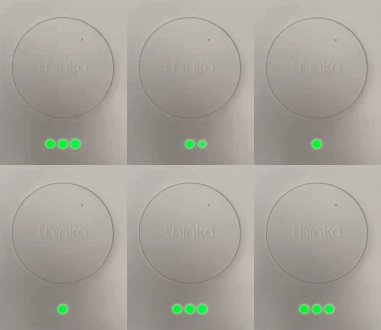 Successful Operation: Inclusion or exclusion was completed successfully.
-
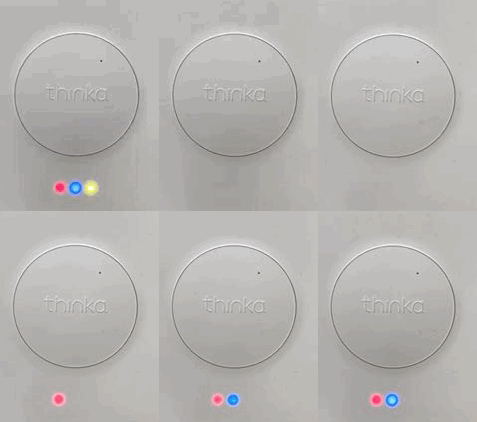 In Progress: Device is initializing, syncing, or performing backend tasks.
-
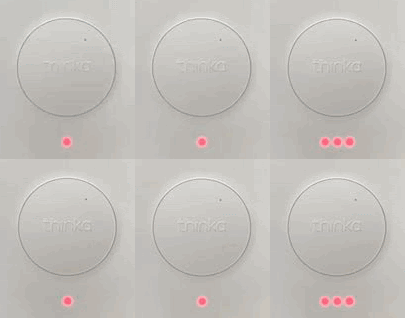 Operation Failed: Inclusion or exclusion attempt was not successful.
-
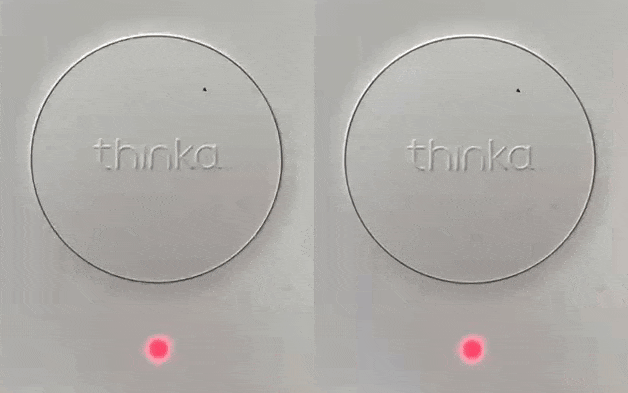 Action Cancelled: Z-Wave action was cancelled or aborted.
-
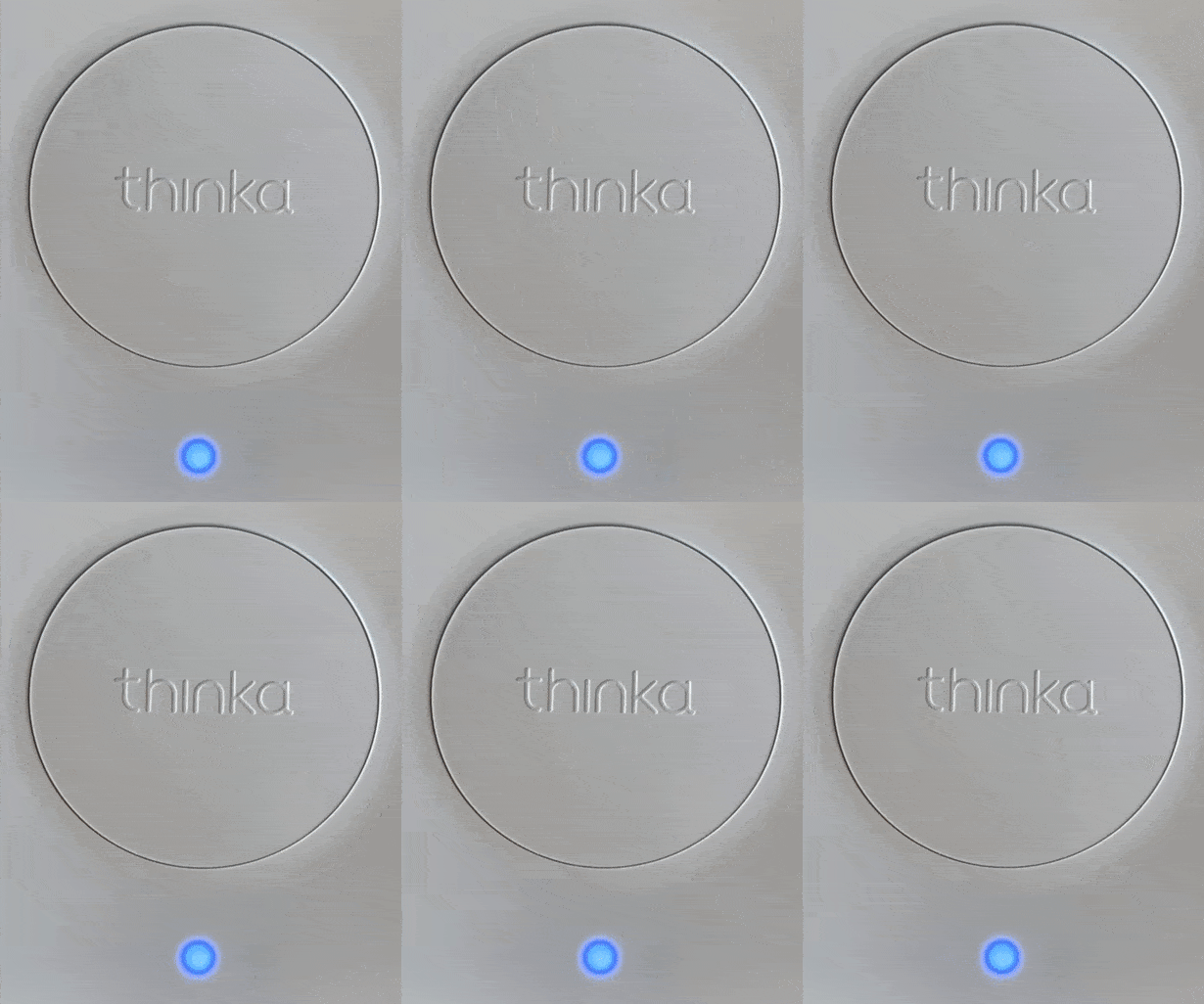 Manufacturing Self-Test: Device is running a self-diagnostic.
-
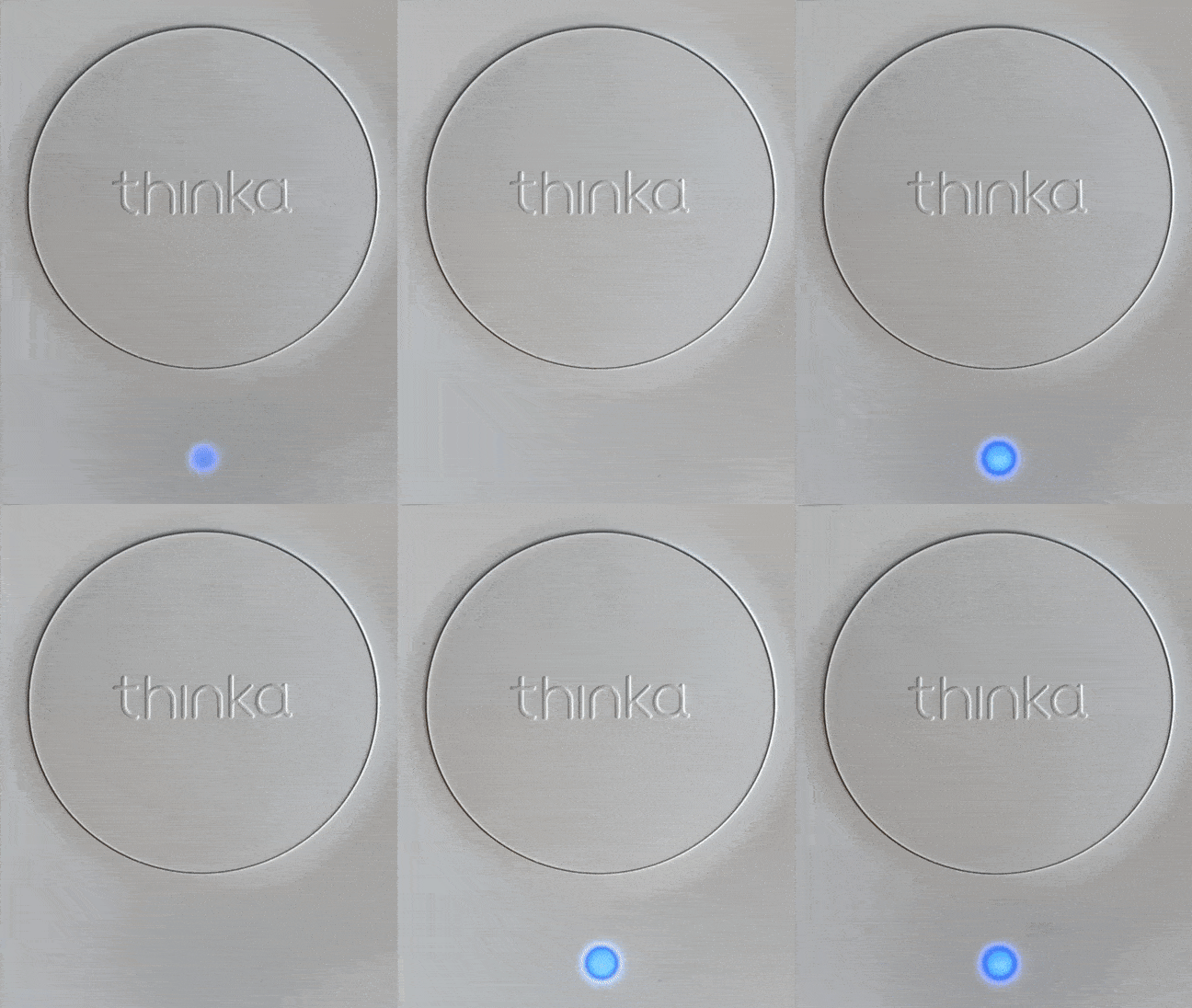 Hardware Failure: Indicates a hardware issue detected by the device.
With these easy-to-read LED indicators, managing your Thinka Z-Wave becomes effortless and reliable!