I need to return my Thinka, how do I do that?
How Do I Return My Thinka Device?
Returning your Thinka is quick and easy! Just follow these simple steps to start your return process:
- Log in to your Thinka account (whether you're a reseller or a customer).
- Navigate to the Order History section in the menu.
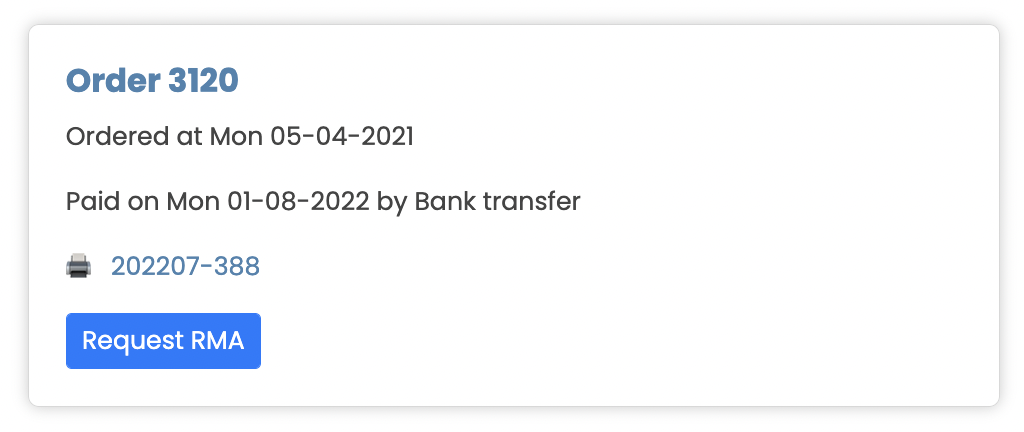
- Find the order containing your Thinka device that you wish to return.
- Select the order and request an RMA (Return Merchandise Authorization) directly from your account dashboard.
Once your RMA request is approved, you’ll receive detailed instructions on how to send your Thinka back to us. Our support team is always here to help, ensuring your return is smooth and hassle-free.
Need more assistance? Feel free to contact our customer support for any questions about Thinka returns, exchanges, or warranty claims.