How do I share the diagnostics?
KNXHow to Share Diagnostics from Your Thinka Device
Need help troubleshooting your Thinka? Sharing your diagnostics file with us is quick and secure! Follow these easy steps to send your encrypted diagnostics file to our expert support team:
- Access Your Thinka Web Interface: Open your browser and log in to your Thinka dashboard.
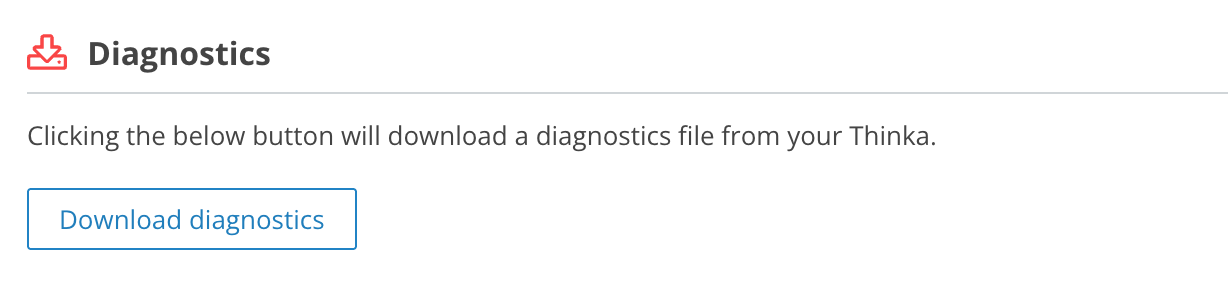
- Navigate to Diagnostics: Click on Settings (top right), then select Thinka → Diagnostics.
- Download Diagnostics File: Click on Download diagnostics. Please wait while your device compiles the file—it may take a few moments.
- Send the File Securely: Once downloaded, email the diagnostics file to support@thinka.eu. Rest assured, your file is encrypted and can only be accessed by authorized Thinka professionals.
By sharing your diagnostics, you help us quickly identify any issues and provide you with the fastest possible support for your Thinka smart home system.