How do I enable the Thinka PRO IP Gateway
KNXHow to Enable the Thinka PRO IP Gateway
Unlock seamless connectivity with your Thinka PRO’s built-in IP Gateway! Activating this feature is quick and easy. Follow these simple steps:
- Access your Thinka PRO’s web interface from any device on your network.
- Click on the Settings icon in the main menu.
- Navigate to the KNX Tab.
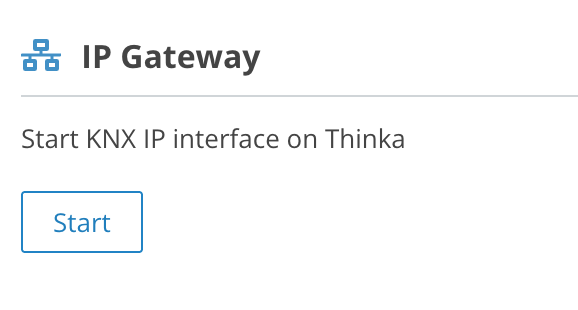
- Find and select the IP Gateway section to enable it.
By enabling the IP Gateway, you unlock powerful integration options, making it easier to manage your KNX devices and streamline smart home automation. This feature ensures reliable communication between your KNX system and IP-based technologies, delivering enhanced flexibility and control.
If you need further assistance, our support team is here to help. Experience the full potential of your Thinka PRO today!