How do I connect my Thinka to my Google Home?
How to Connect Your Thinka to Google Home: A Step-by-Step Guide
Integrate your Thinka smart home hub seamlessly with Google Home for convenient voice control and automation. Follow these simple steps to get started:
- Enable Google Home: Open the settings page on your Thinka and activate Google Home integration. This securely connects your Thinka to Google via the Thinka Cloud.
- Verify Cloud Connection: Ensure your Thinka is successfully linked to the Thinka Cloud.
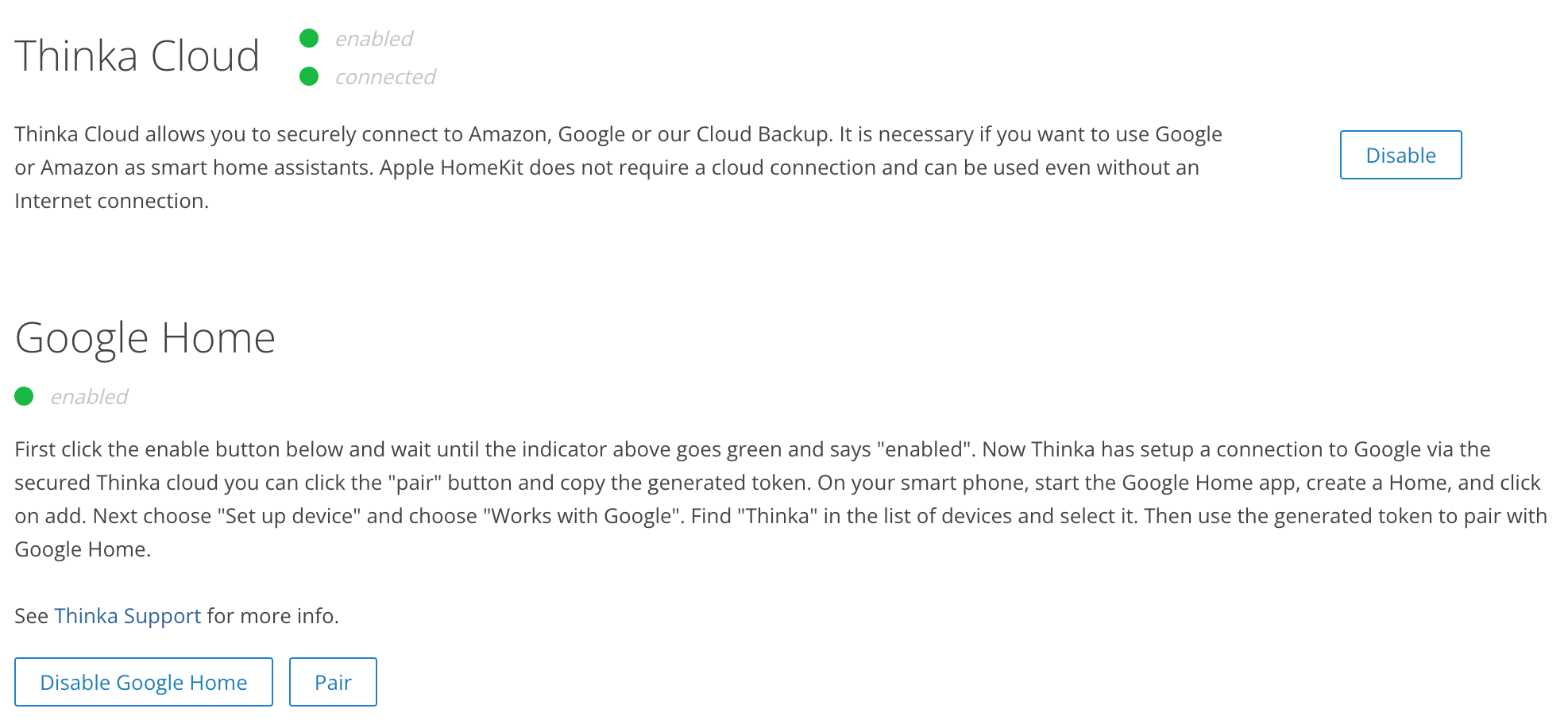
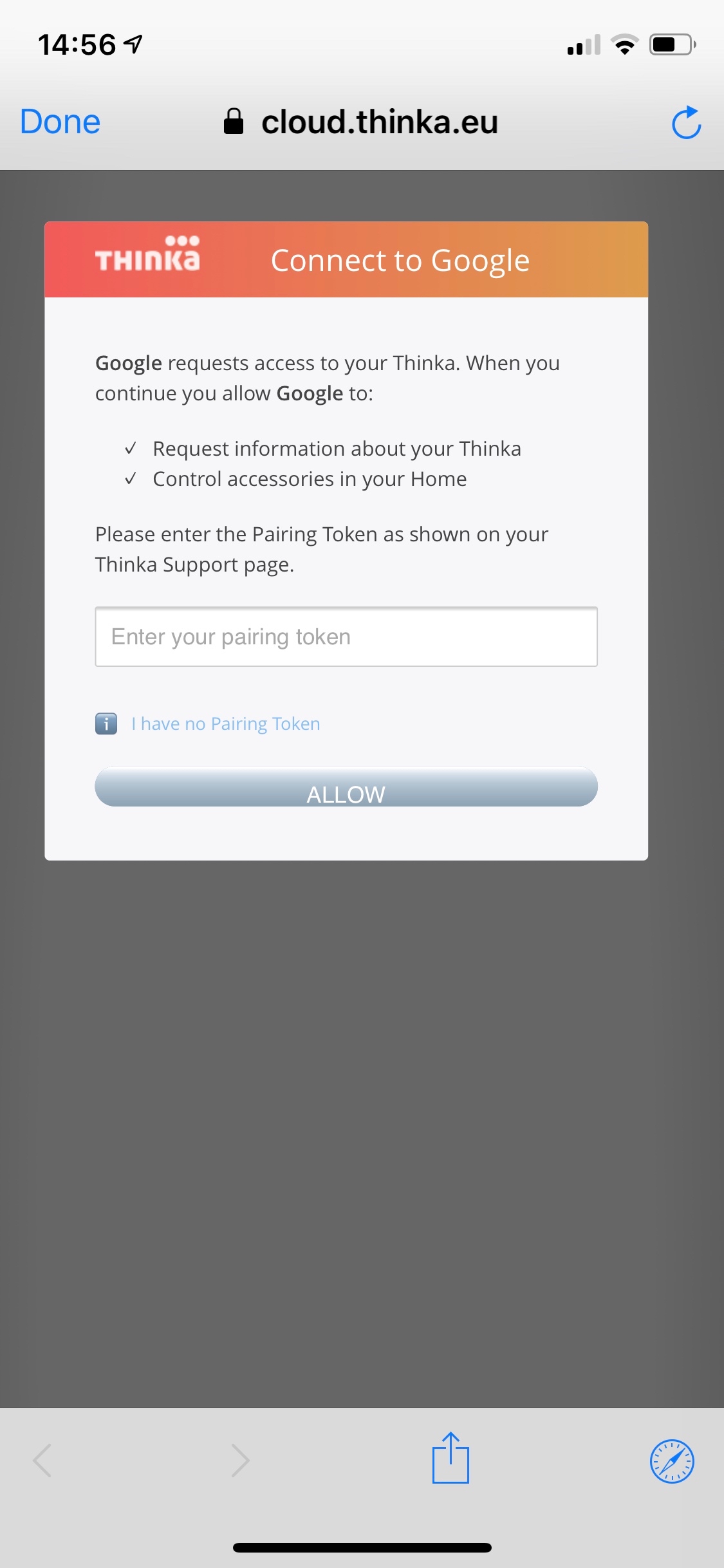
- Pair Your Devices: Click the “PAIR” button on Thinka and copy the generated token.
- Set Up Google Home App: On your smartphone, open the Google Home app. Create your account and Home. For details, visit Google Support.
- Important: Use a regular Gmail account (not G-Suite) to avoid compatibility issues.
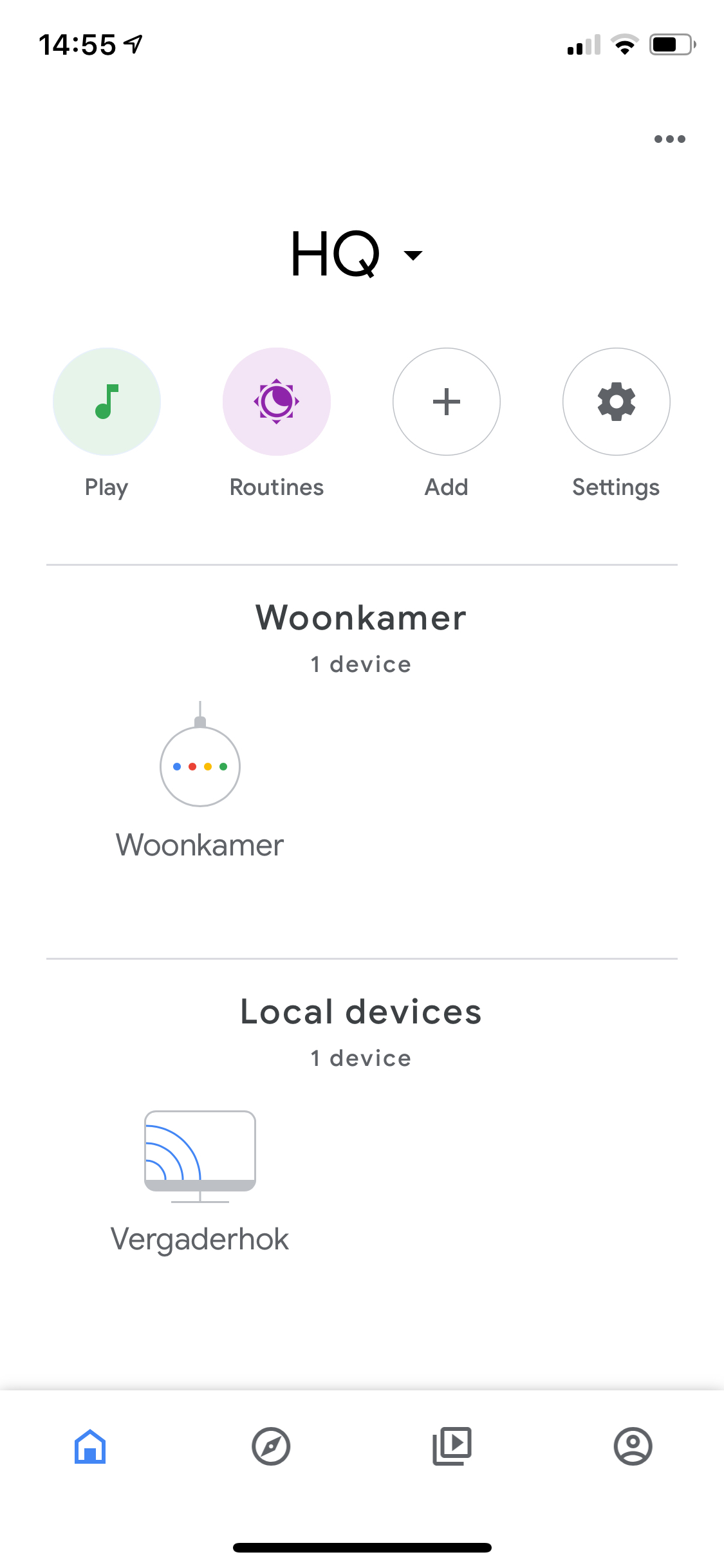 Click on add.
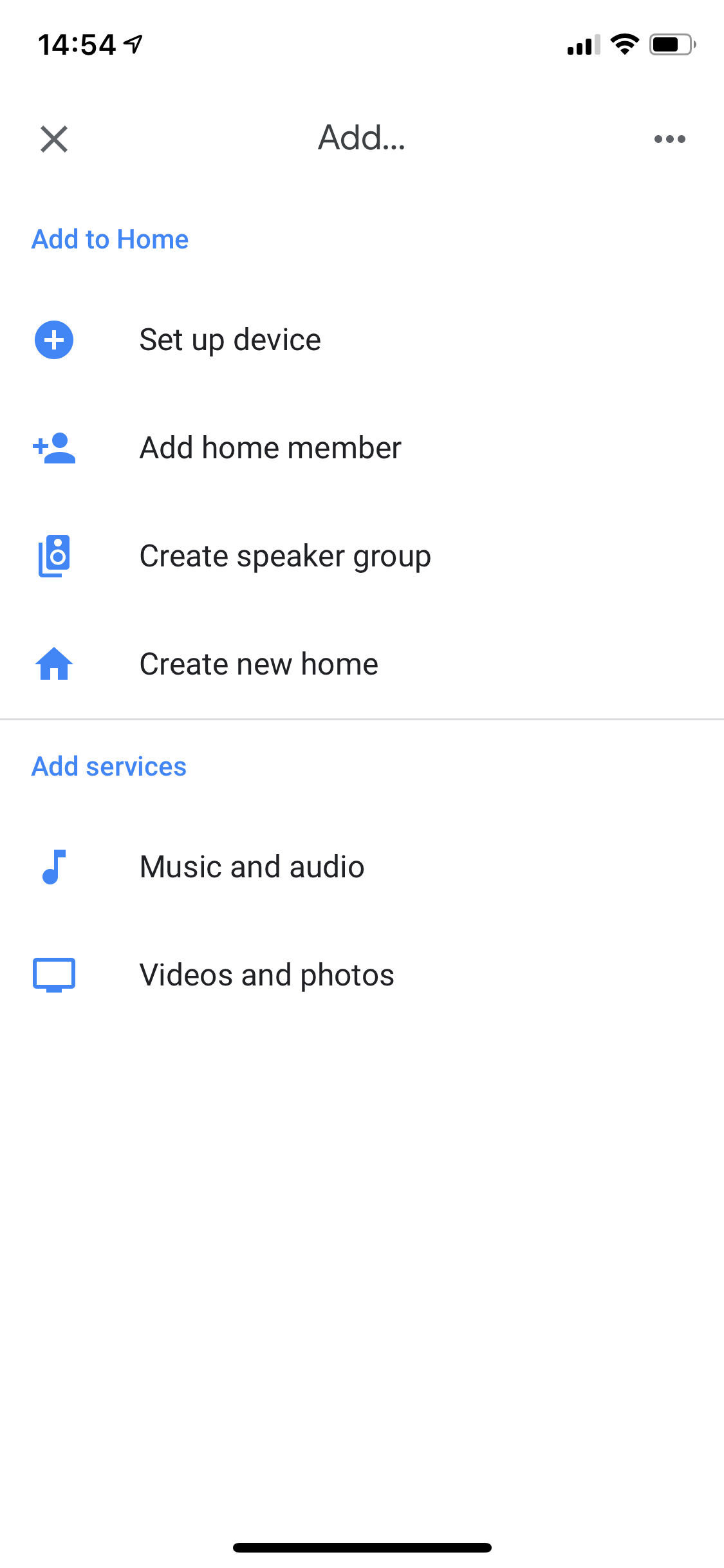 Next choose "Set up device".
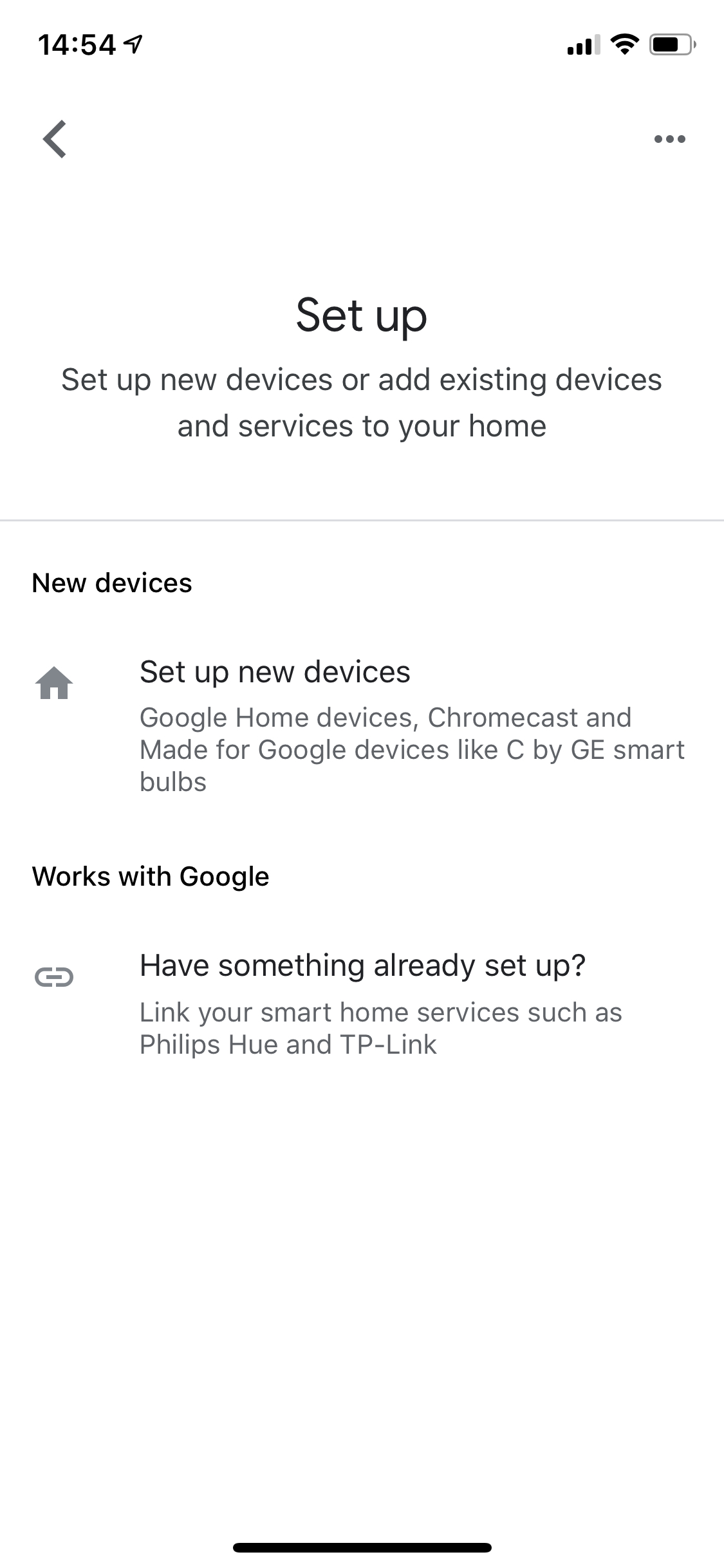 Choose "Works with Google".
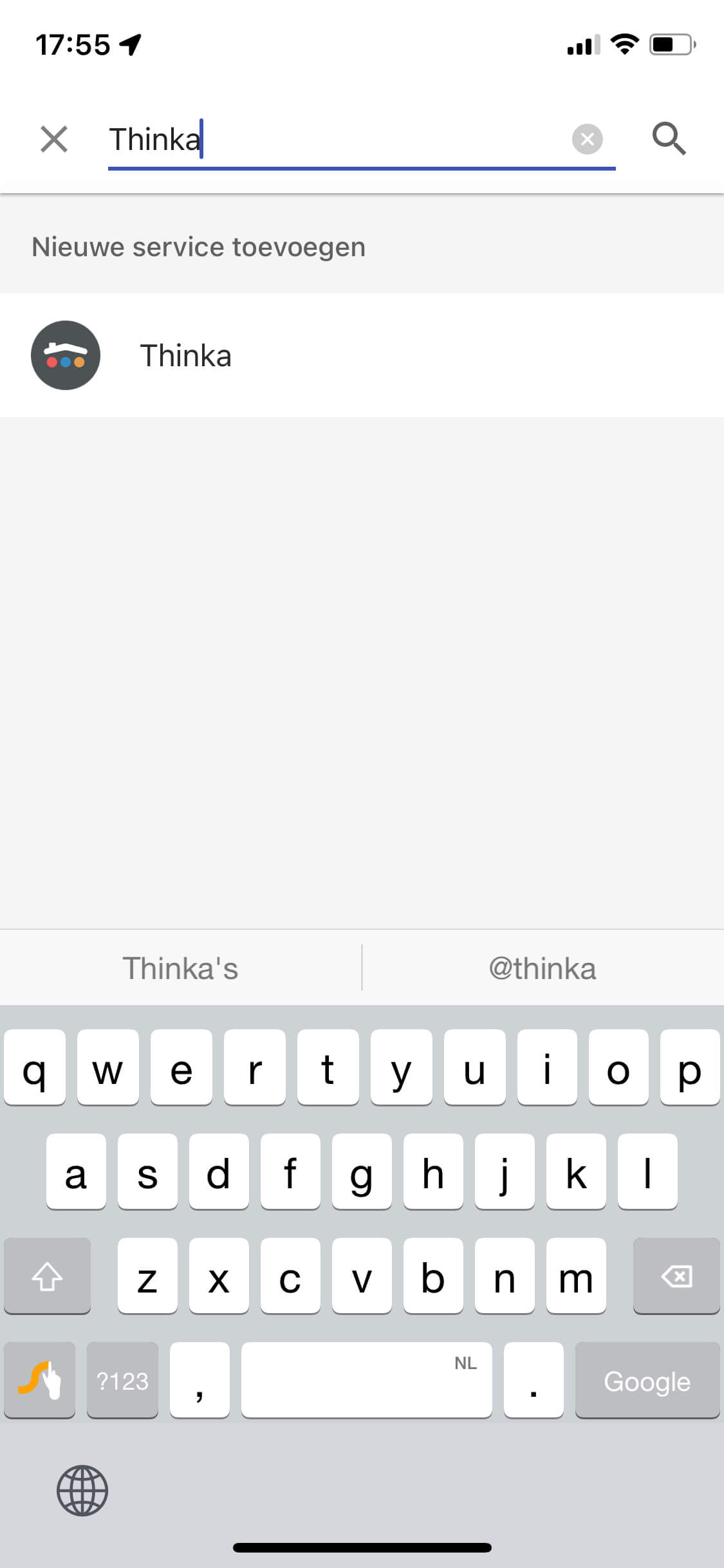
- Select Thinka: Find "Thinka" in the device list and select it.
- Pair with Google Home: Enter your token to complete the connection and enjoy your smart home experience!
Connecting Thinka to Google Home unlocks effortless voice control and smart home automation. Start today and experience the convenience!