How do I connect my Thinka to my Amazon Echo?
How to Connect Your Thinka to Amazon Echo: Step-by-Step Guide
Connecting your Thinka to your Amazon Echo is simple and lets you enjoy seamless smart home control through Alexa. Follow these easy steps to get started:
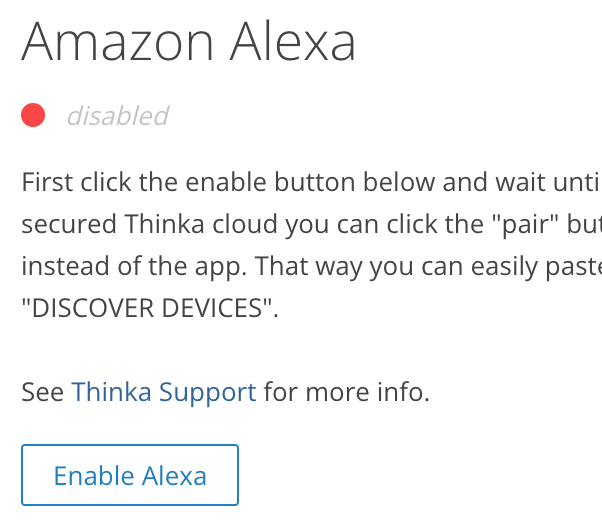
- On your Thinka: Go to Settings → Amazon Alexa and enable Alexa integration.
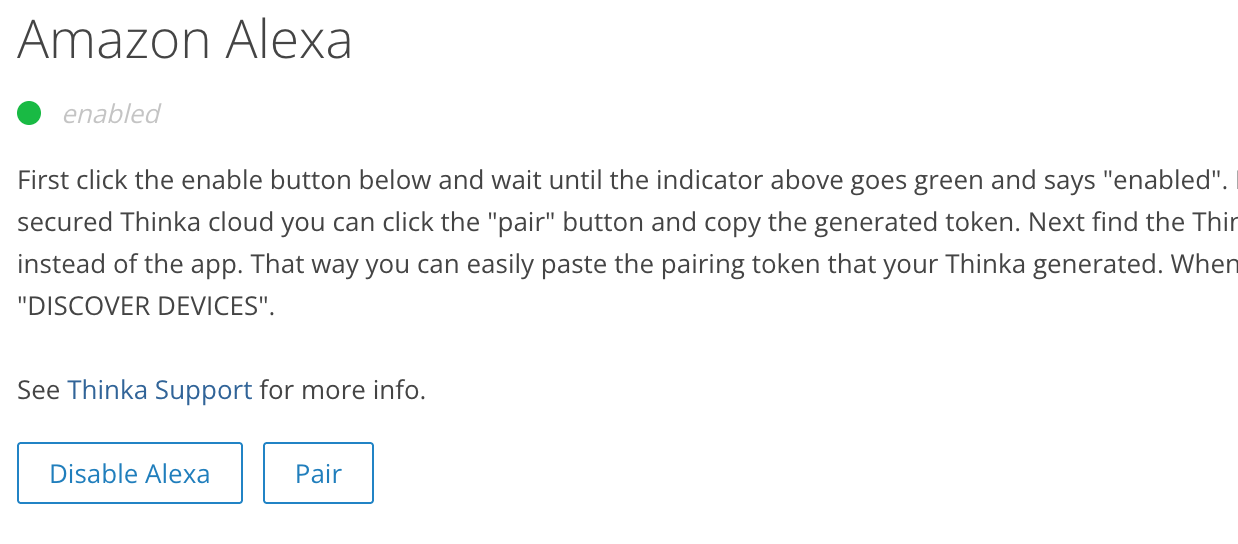
- Click the Enable button and wait for the indicator to turn green and display “enabled”.
Your Thinka is now securely connected to Amazon through the Thinka Cloud.
No Echo device required! You can control Thinka devices directly from the Alexa app or via Alexa Routines—even without an Echo. For voice control, simply use your Echo device.
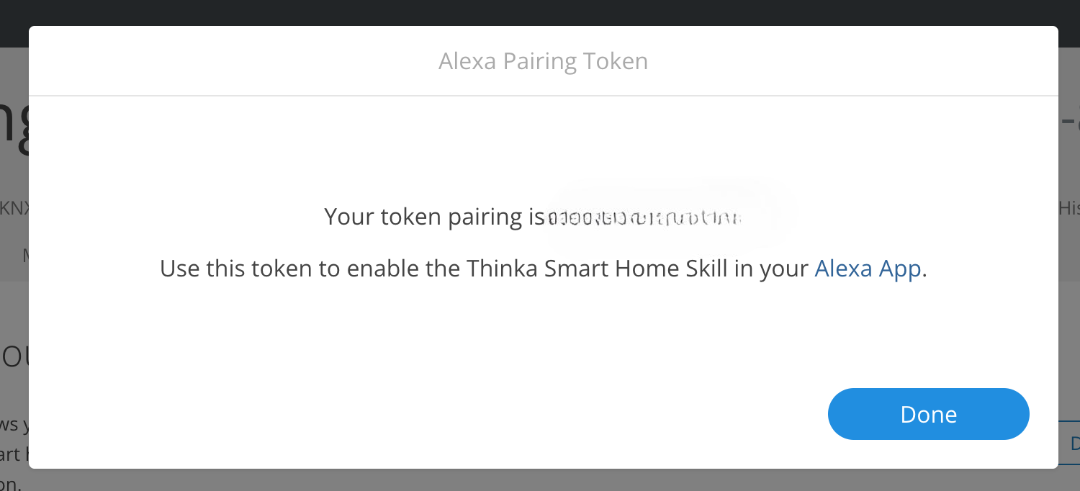
- Next, click PAIR and copy the generated pairing token.
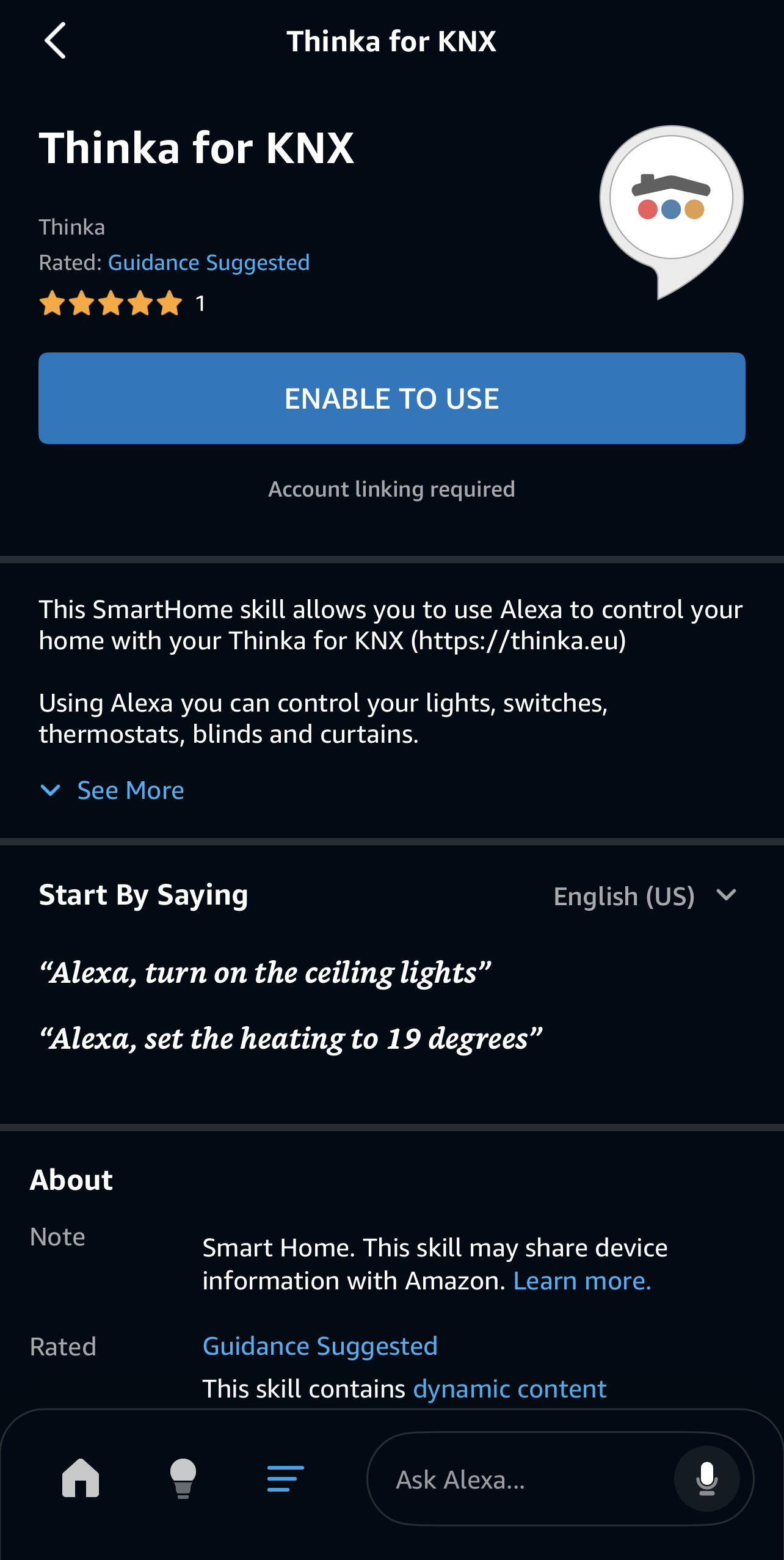
- In the Alexa app, go to Settings → Skills & Games, search for “Thinka”, and click ENABLE TO USE.
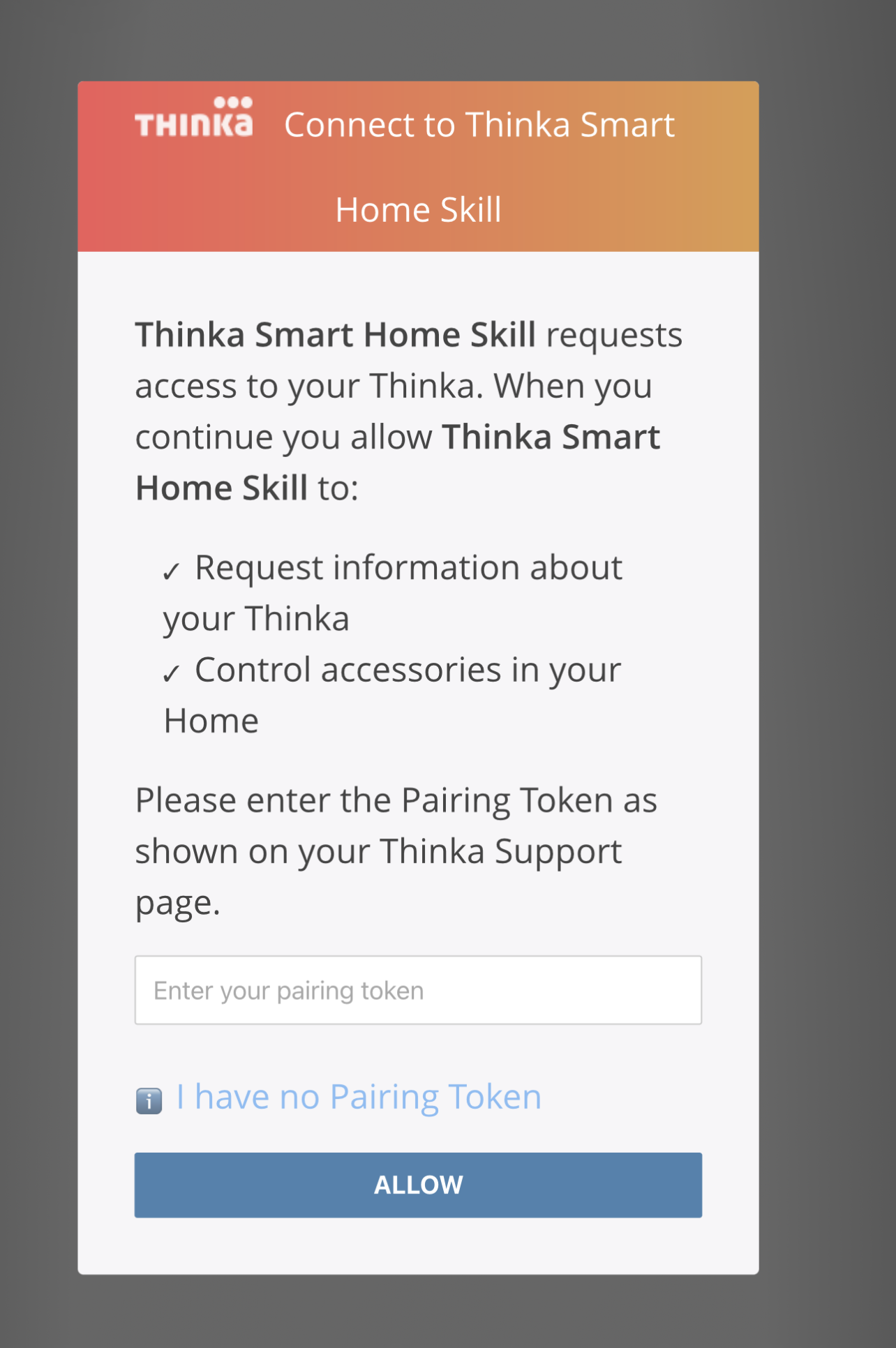
When prompted, enter the pairing token from Thinka and click ALLOW.
Once linked, your Thinka accessories will appear in the Alexa app—ready for smart home control!