How do I configure my lightbulb?
KNXHow Do I Configure My Lightbulb?
Regular Lightbulbs
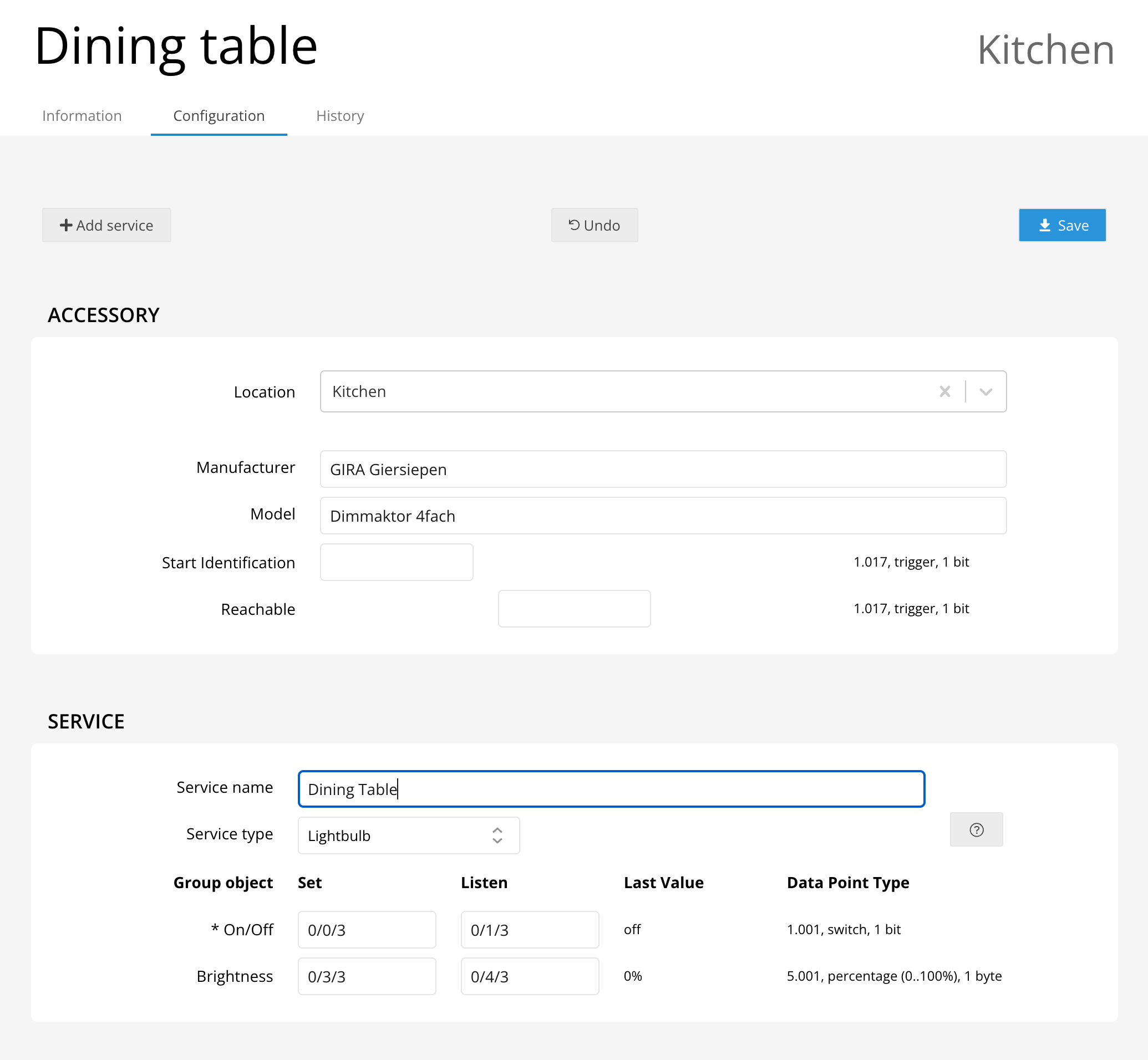
Setting up a standard lightbulb for on/off switching or dimming is simple! Just follow these steps:
- Switching: Enter the group addresses for turning the light on or off and for reporting its status.
- Dimming (optional): Provide the group addresses for brightness control (0-100%). Only absolute dimming is supported.
Color Lightbulbs
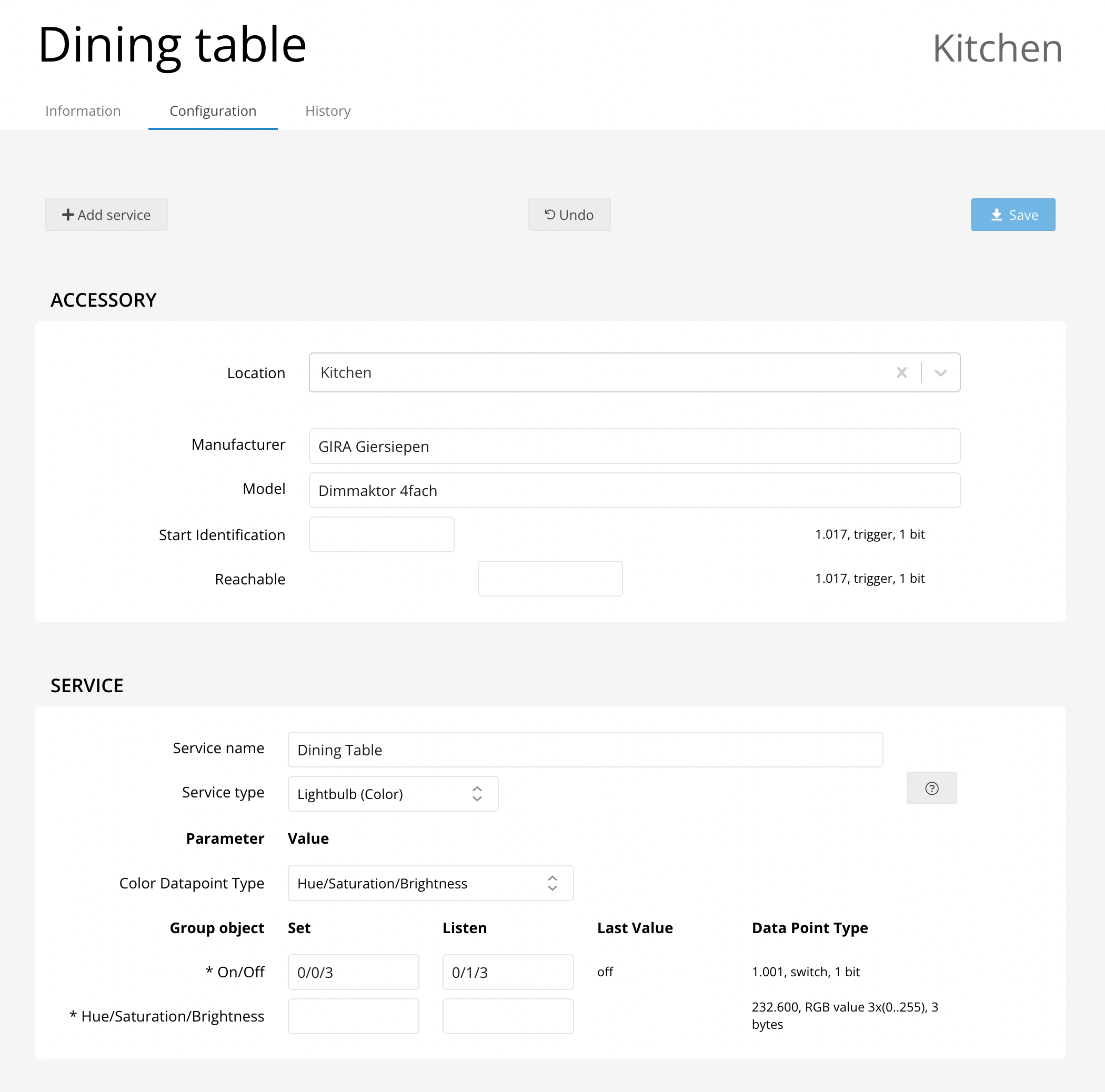
For color-changing bulbs, enjoy vibrant control over your lighting:
- Enter group addresses for switching and status reporting.
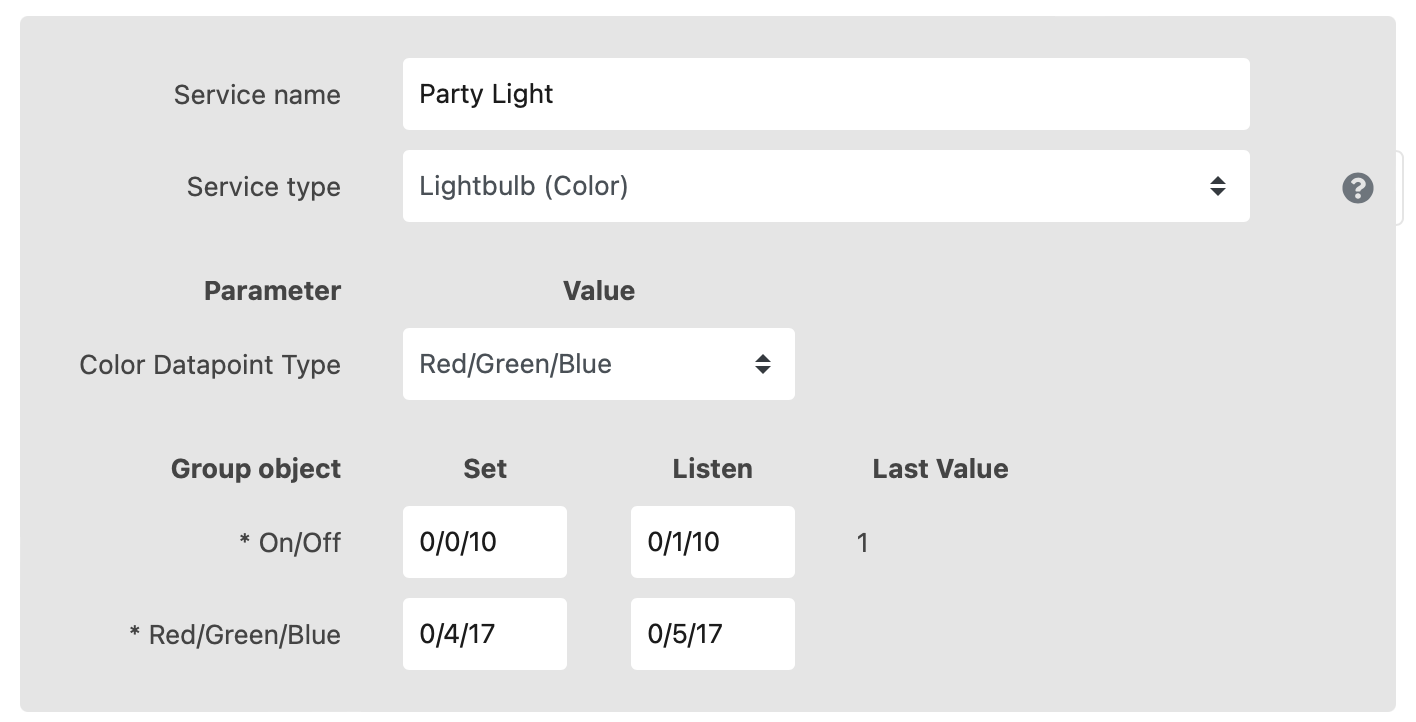
- Specify the color control datapoint type (e.g., RGB, HSB), and corresponding group addresses.
Choose the color datapoint that matches your device—like Red/Green/Blue or Hue/Saturation/Brightness.
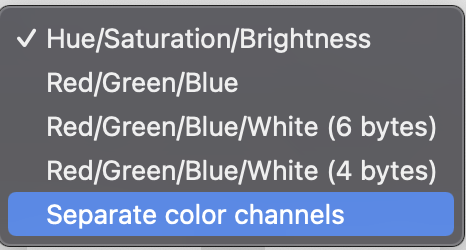
If your bulb supports a white channel, select Red/Green/Blue/White and provide group addresses for each channel.
Tunable White Lightbulbs
Get the perfect ambiance by adjusting color temperature:
- Provide group addresses for on/off, brightness, and color temperature control.
- Set minimum and maximum color temperature parameters to match your device.
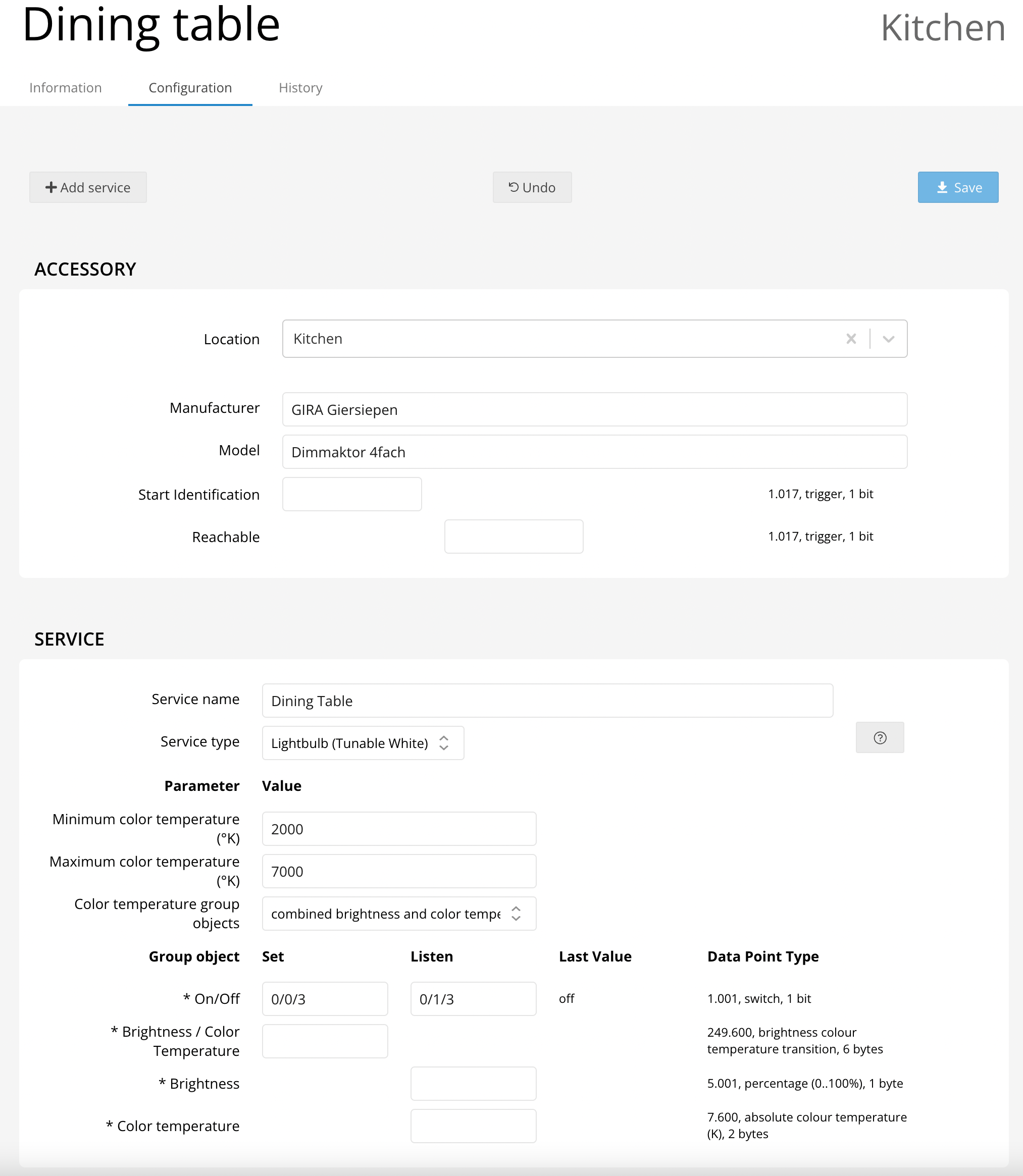
For advanced setup, choose the correct Color temperature group objects option, and fill in the corresponding group addresses for both brightness and color temperature.