How do I configure my Fan?
KNXHow Can I Configure My Fan?
Configuring your fan is simple and flexible, allowing you to tailor performance to your needs. Whether you want precise speed control or convenient automation, our system makes it easy!
Fan Speed Control Options
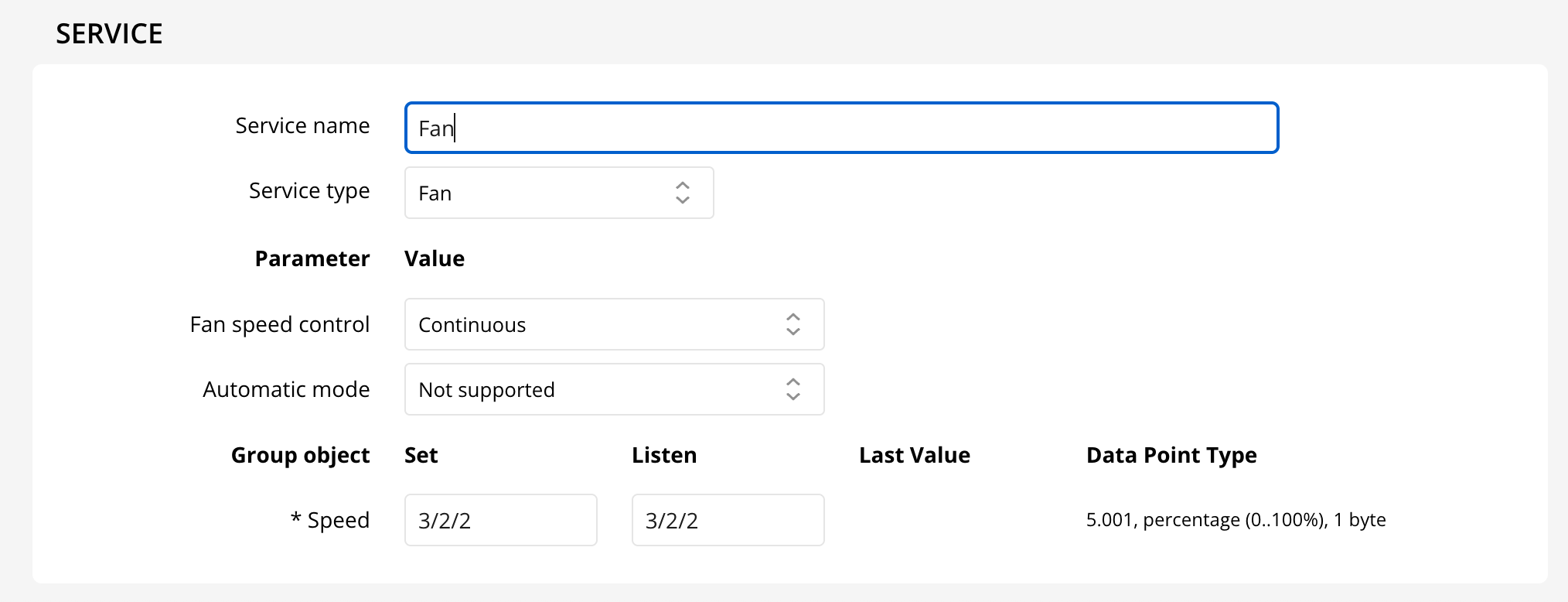
- Continuous Speed: Adjust your fan’s speed smoothly from 0-100% with a 5.001 DataPointType set and listen address.
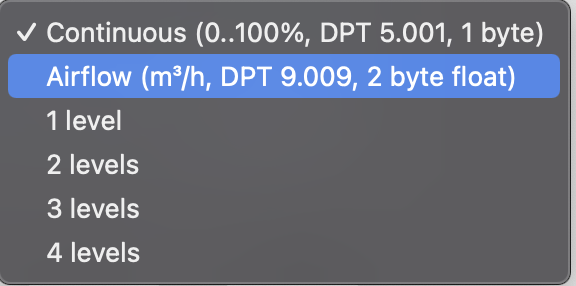
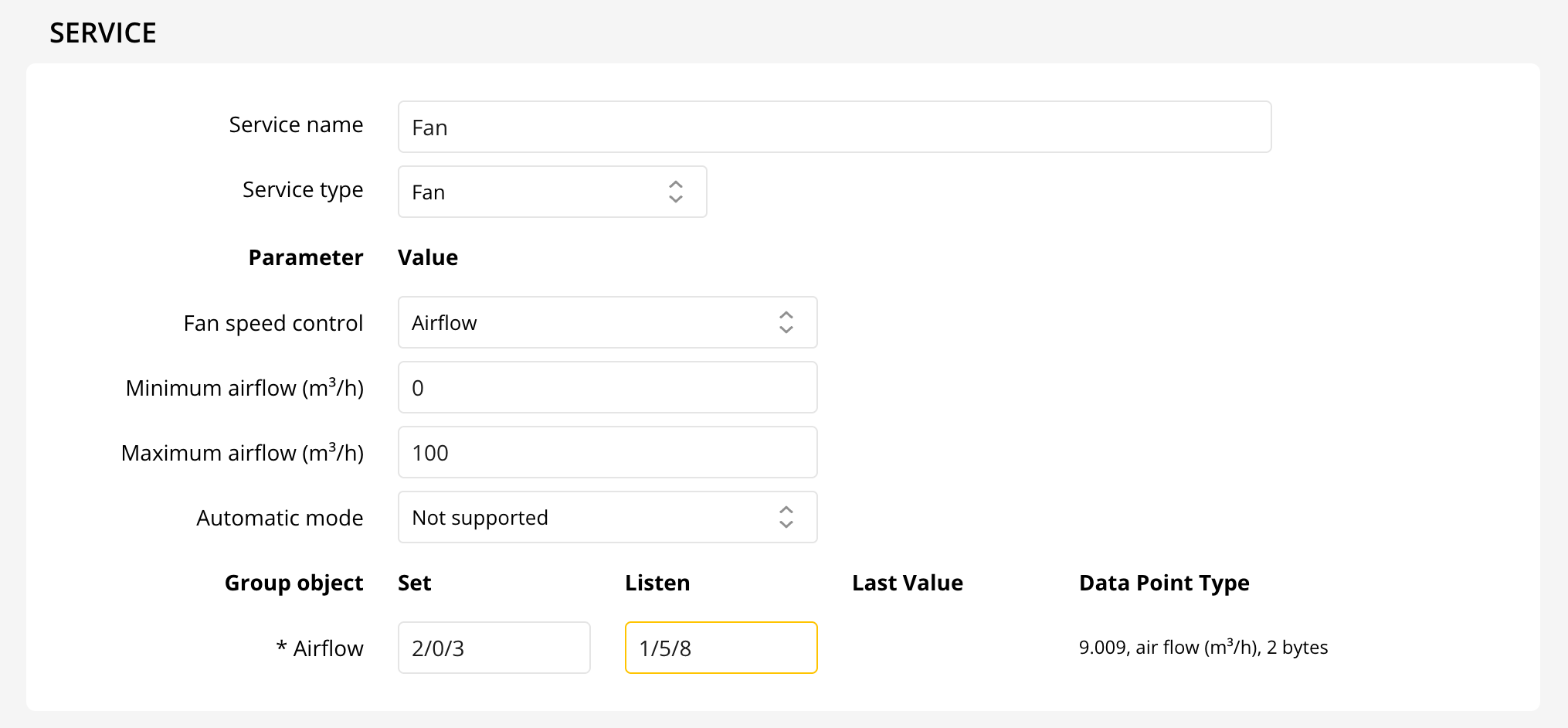
- Airflow Control: Use a DPT 9.009 set and listen address to specify minimum and maximum airflow.
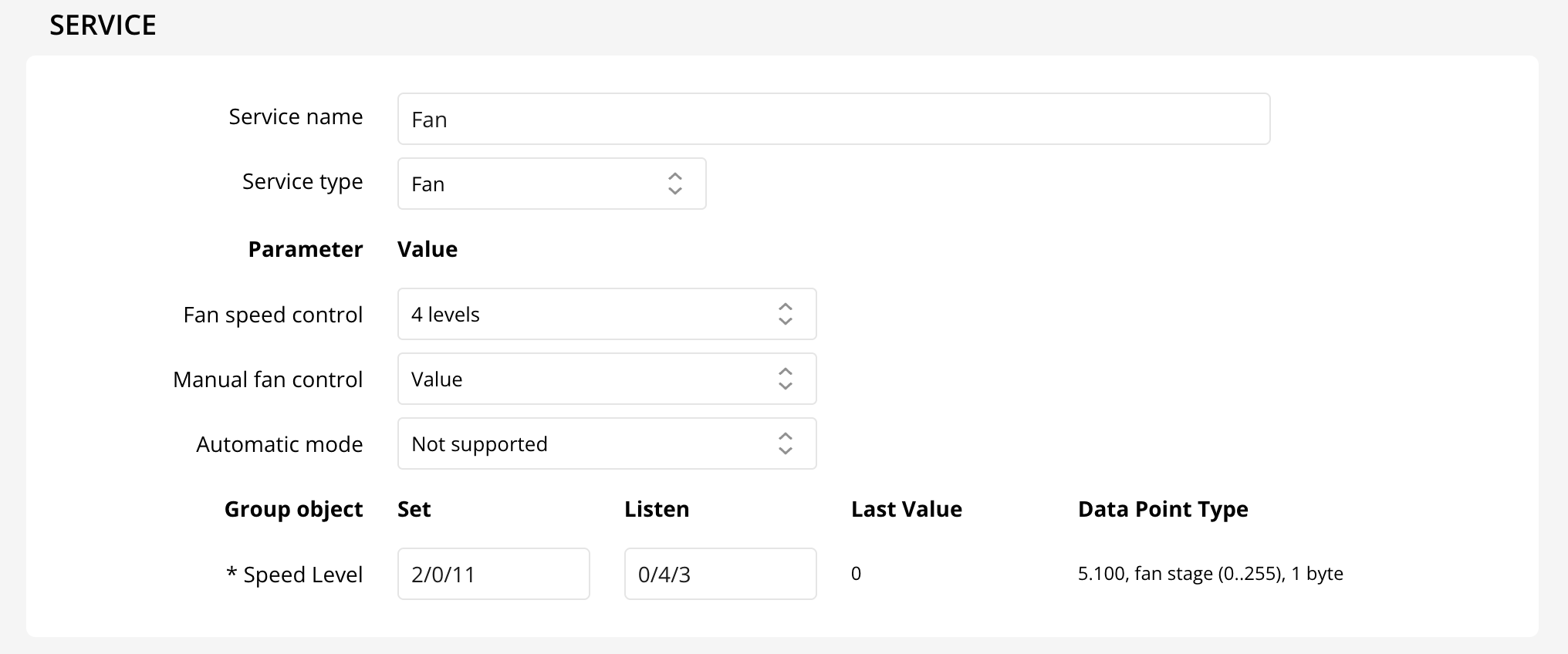
- Step Levels: Choose 1-4 fan speed levels, easily managed with DPT 5.010 or individually via DPT 1.001.
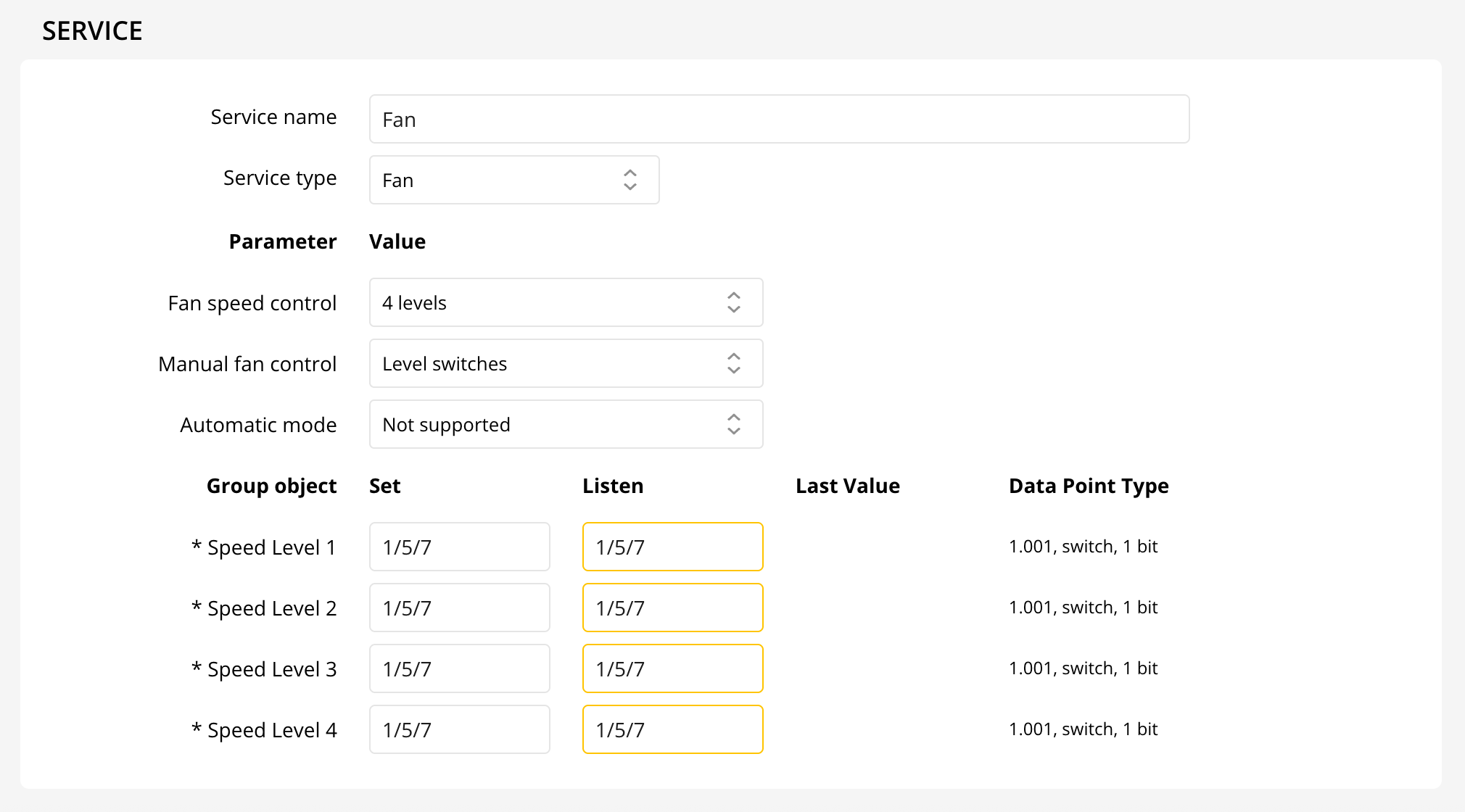
Automatic Mode
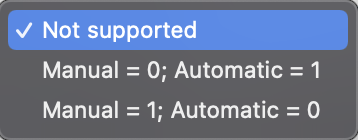
Enable automatic mode for hands-free comfort. Specify two group addresses (DPT 1.001) for setting and listening to your fan’s mode.
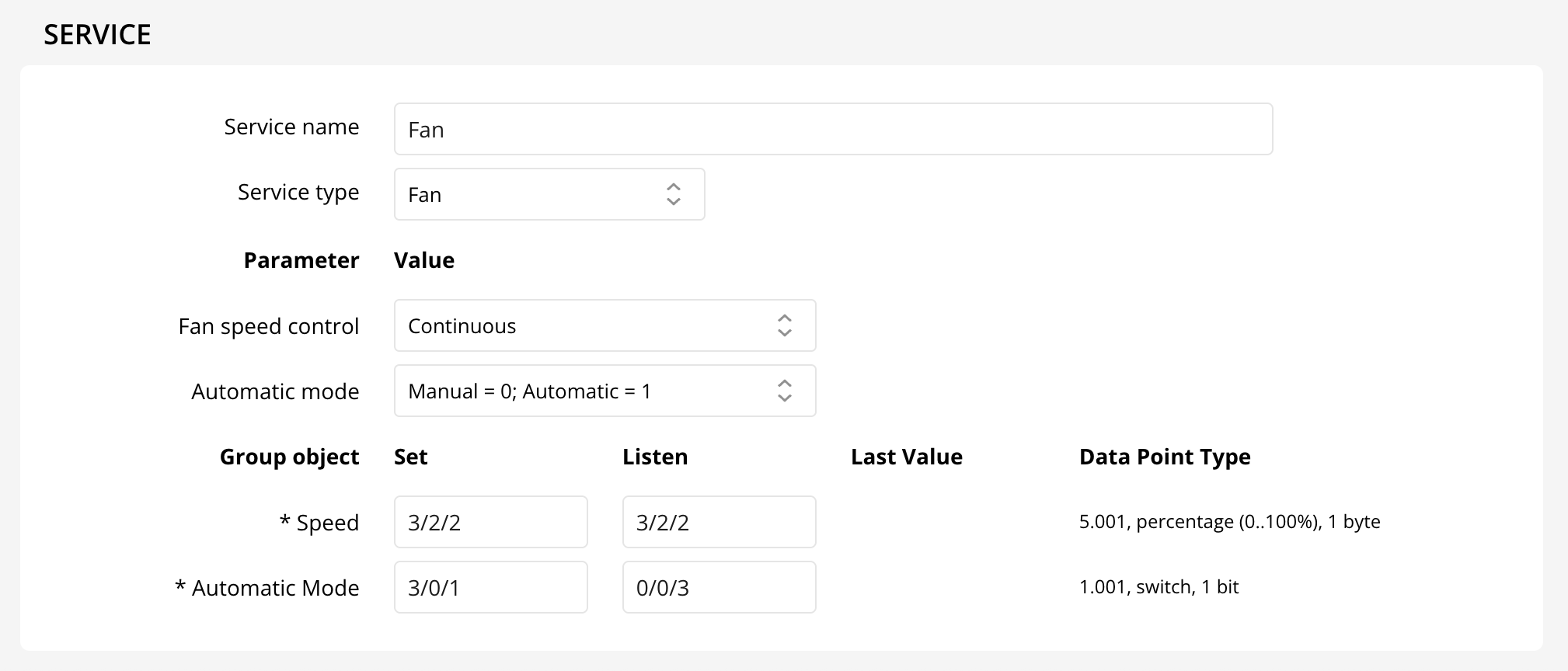
You can even control your fan directly from HomeKit for ultimate convenience!
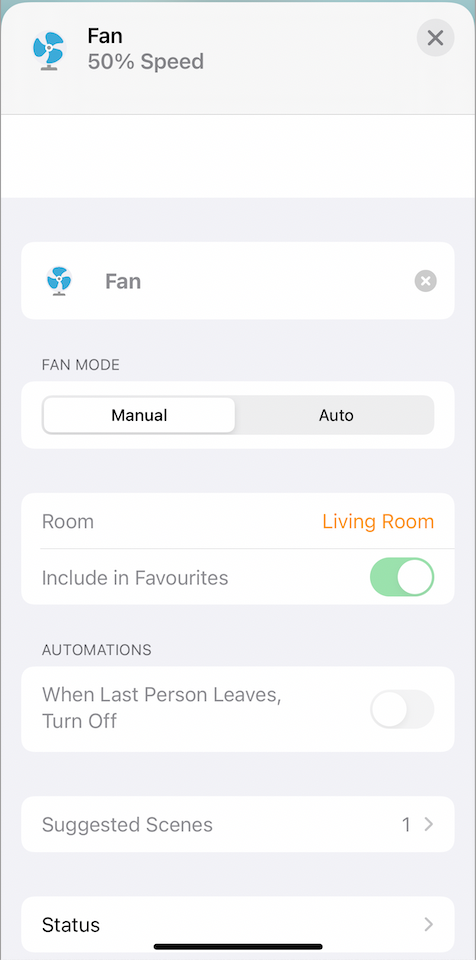
Enjoy customizable comfort and intelligent fan control in your smart home!