How do I configure an Outlet?
KNXHow to Easily Configure an Outlet
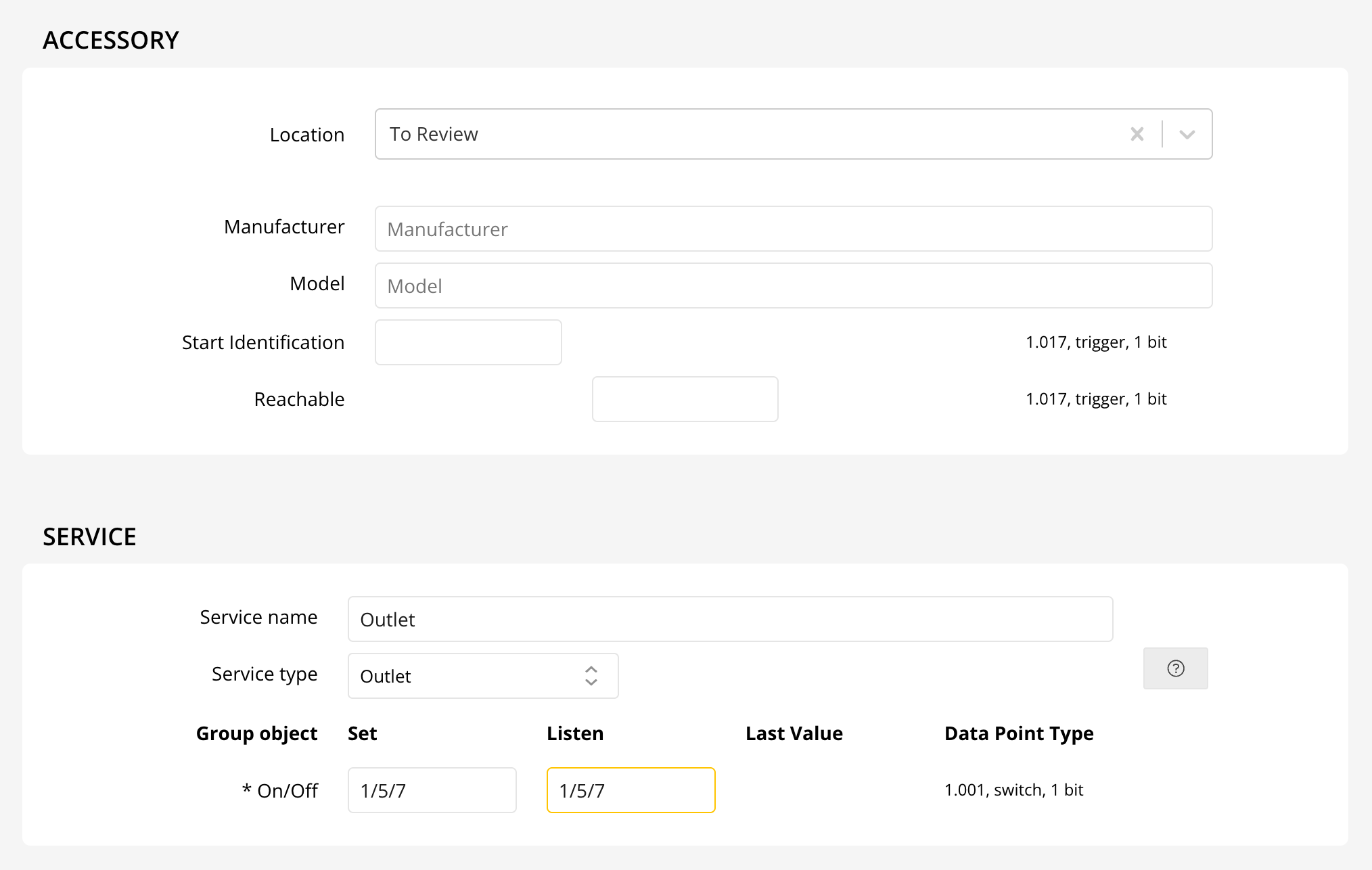
Setting up your smart outlet is quick and straightforward! Just like configuring a Switch, the process is simple and user-friendly. Follow these steps to get your outlet connected and ready to use:
- Open your smart home app: Whether you use HomeKit, Alexa, or Google Home, launch the corresponding app on your device.
- Add a new device: Select the option to add a new accessory or device, then choose "Outlet" or "Plug" as prompted.
- Follow the on-screen instructions: The app will guide you through pairing your outlet and connecting it to your network.
- Name and organize: Once connected, you can name your outlet and assign it to a room for easy control.
Tip: In HomeKit, your device will appear as an Outlet, while in Alexa and Google Home, it will show up as a Plug for seamless voice control and automation.
Enjoy effortless control of your smart outlet and simplify your home automation today!