Connecting Google Home with Matter
Connect Google Home with Thinka Using Matter – Easy Step-by-Step Guide
Unlock seamless smart home control by connecting your Google Home to Thinka via the Matter protocol. With Matter integration, Google Home and Amazon Alexa can operate locally and independently from the cloud, ensuring faster response and enhanced privacy. For Apple Home users, we recommend sticking with Apple HomeKit to avoid device duplication, as using Matter alongside HomeKit may cause overlapping devices.
How to Join the Matter Beta:
- Contact our support team to request access to the Matter beta.
- Once accepted, find the new Matter tab under Settings in the Thinka web interface.
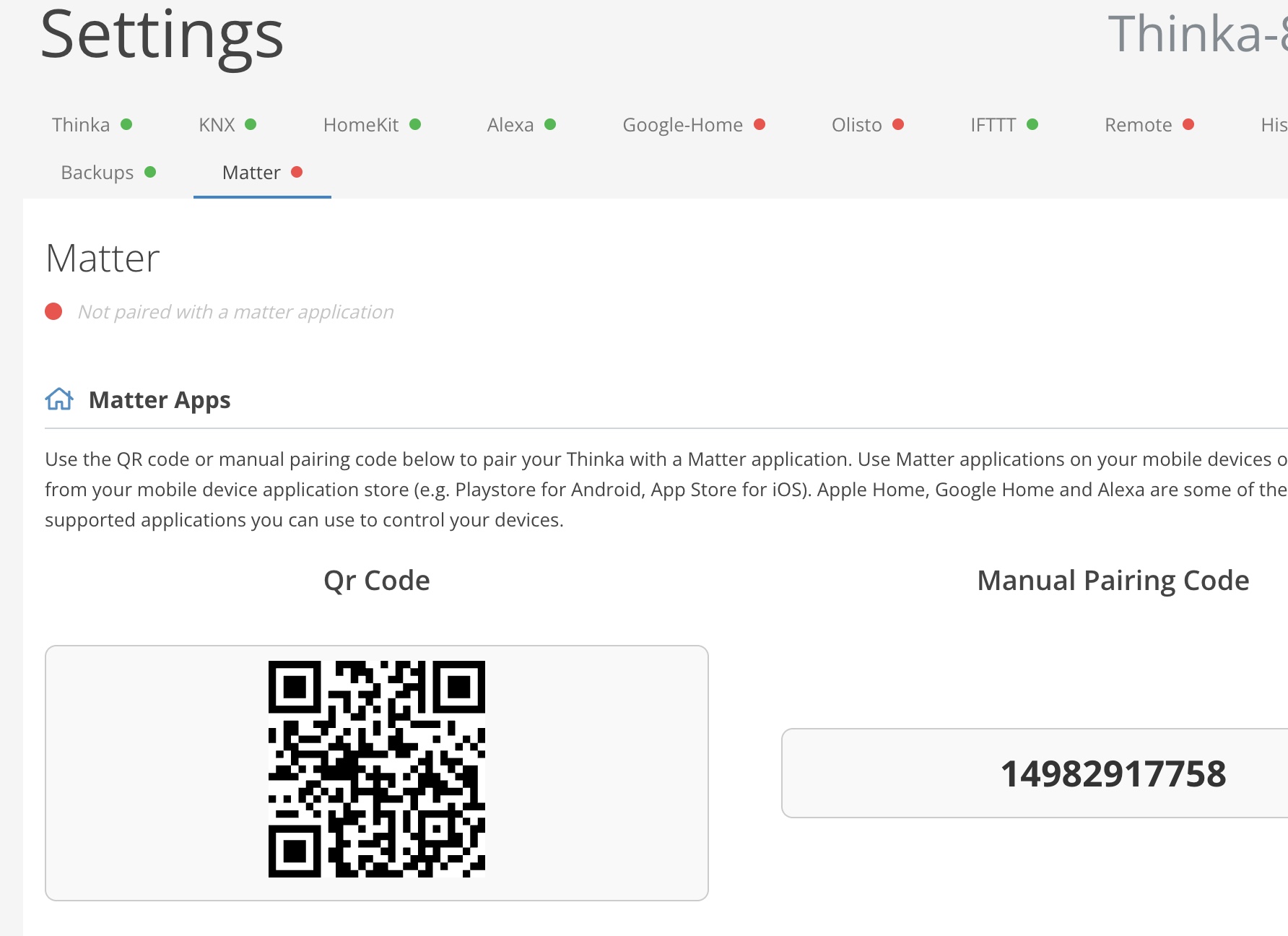
Connecting Google Home to Thinka via Matter
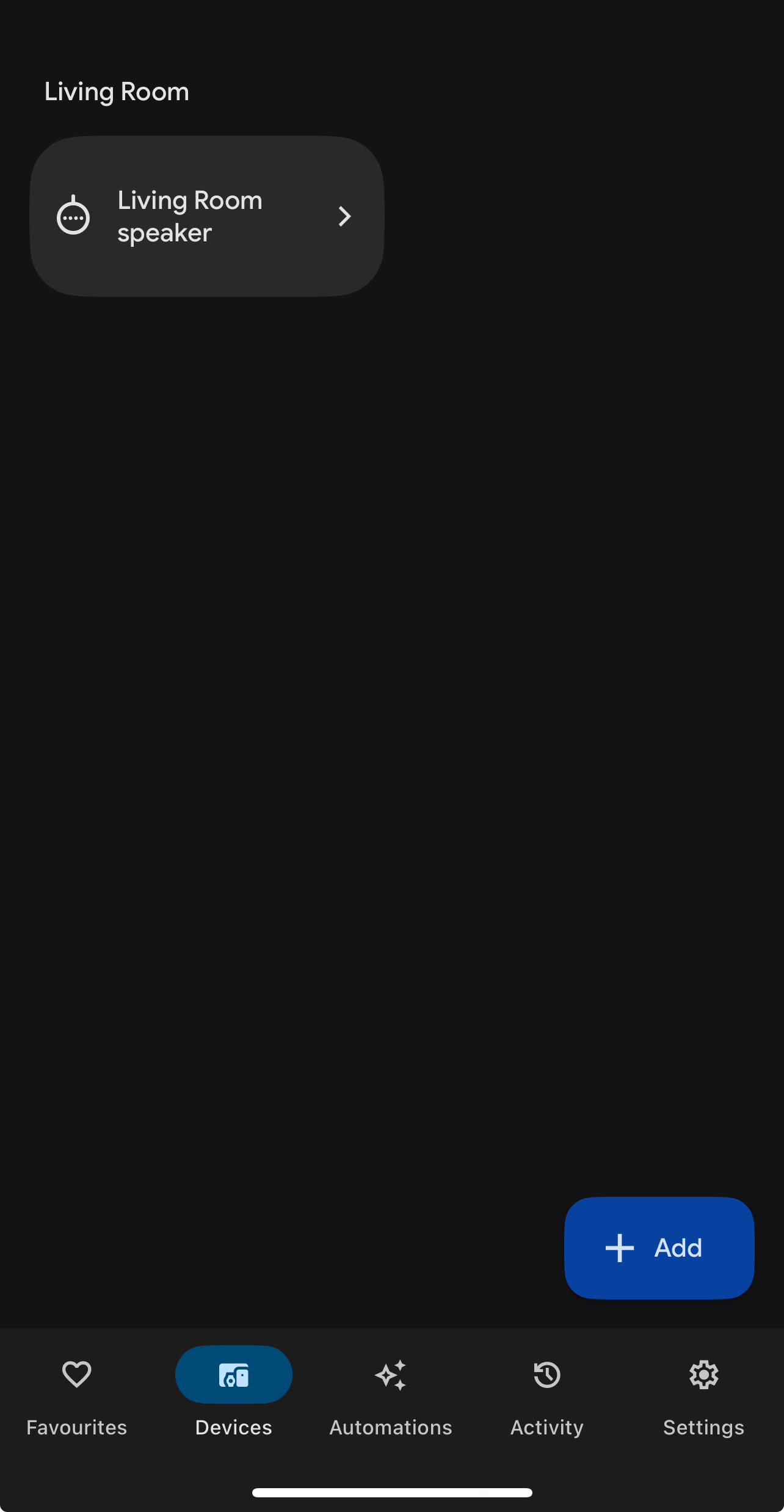
- Open the Google Home app and tap the Add button in Devices.
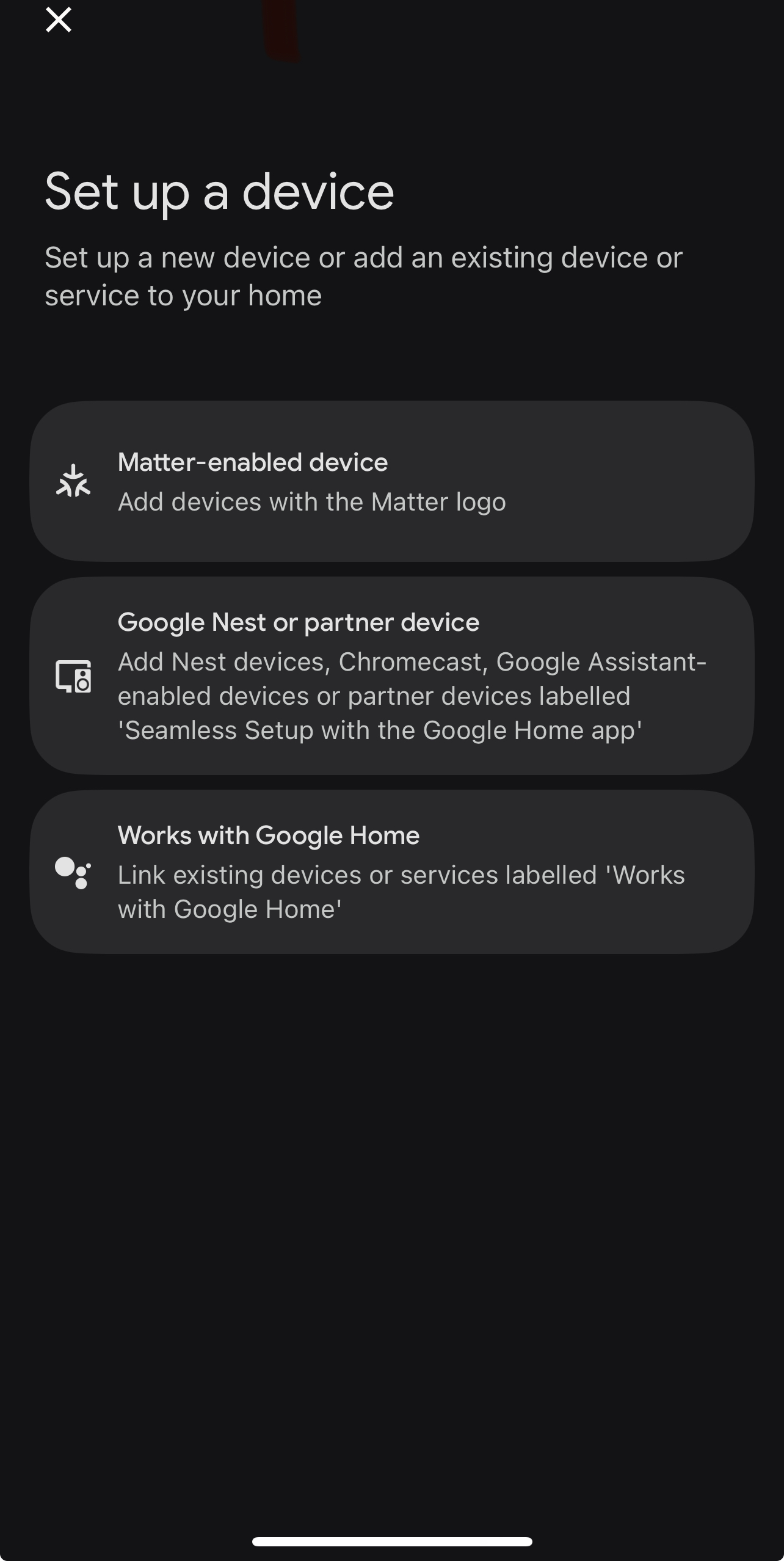
Select the Matter-enabled device option.
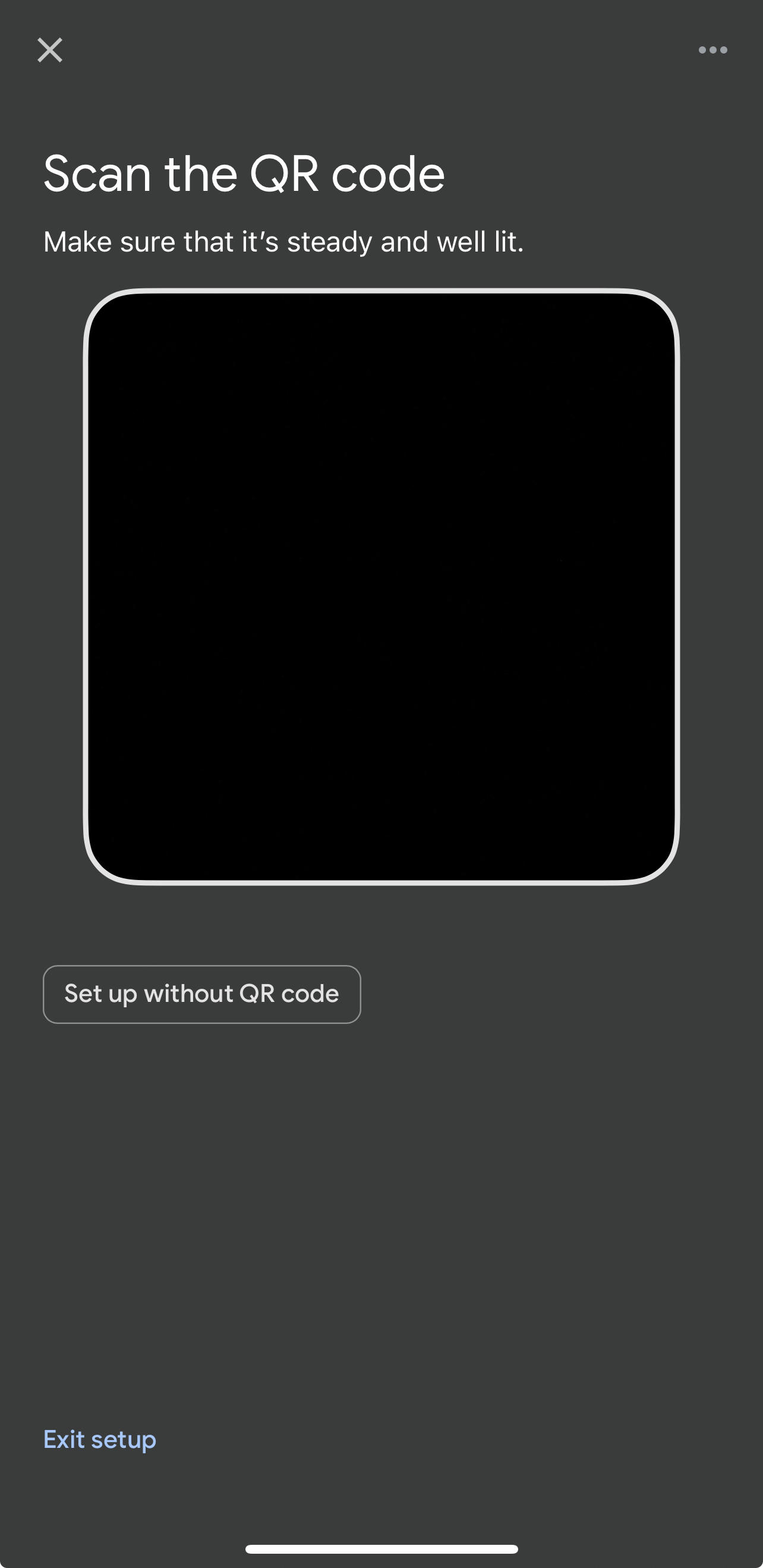
- Use the QR code (scan from Thinka UI) or choose "Set up without QR code" for manual pairing.
Manual Pairing Code: Enter the code from Thinka UI or the app already commissioned.
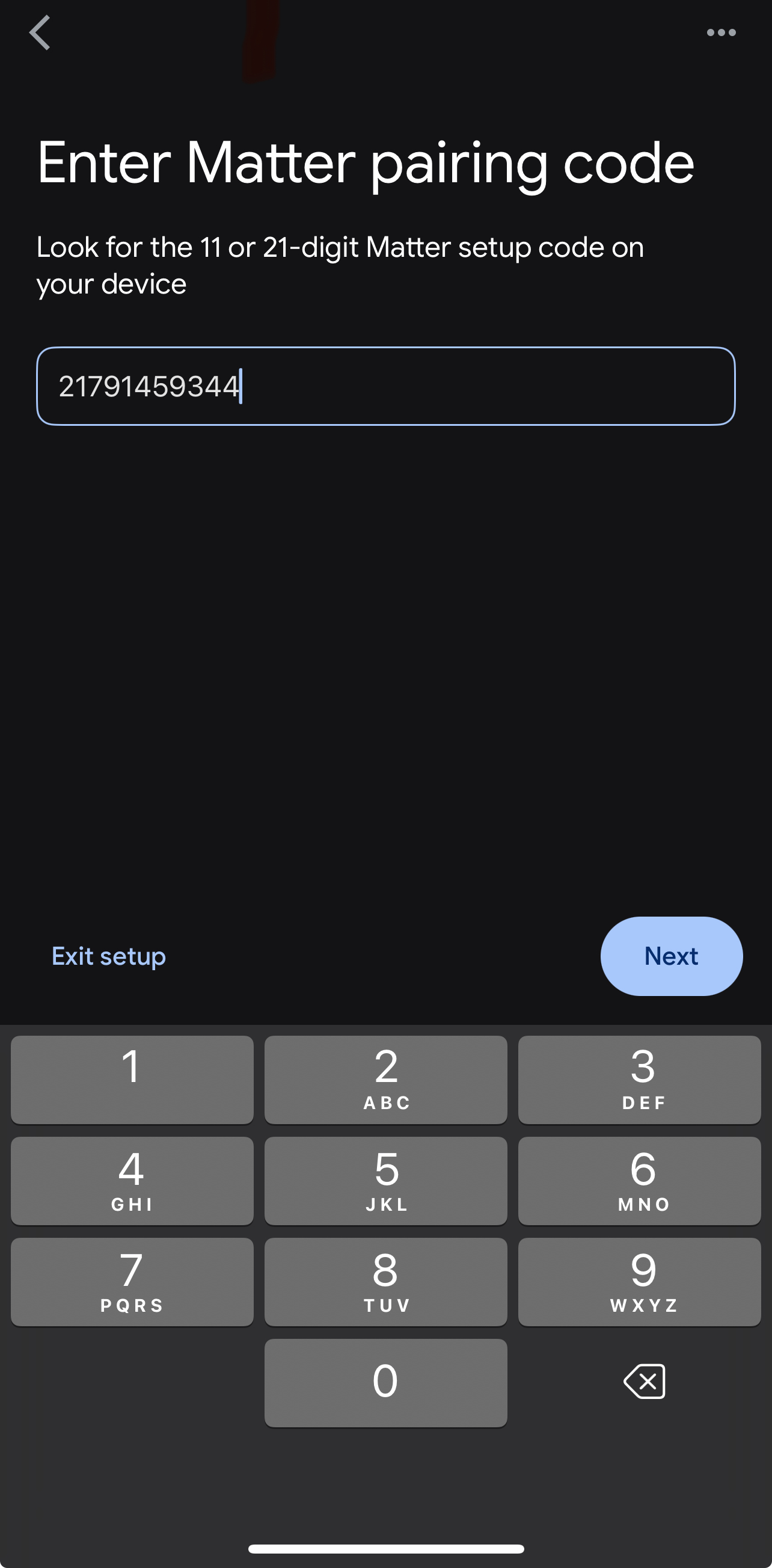
- Follow the on-screen steps, clicking Add Anyway when prompted.
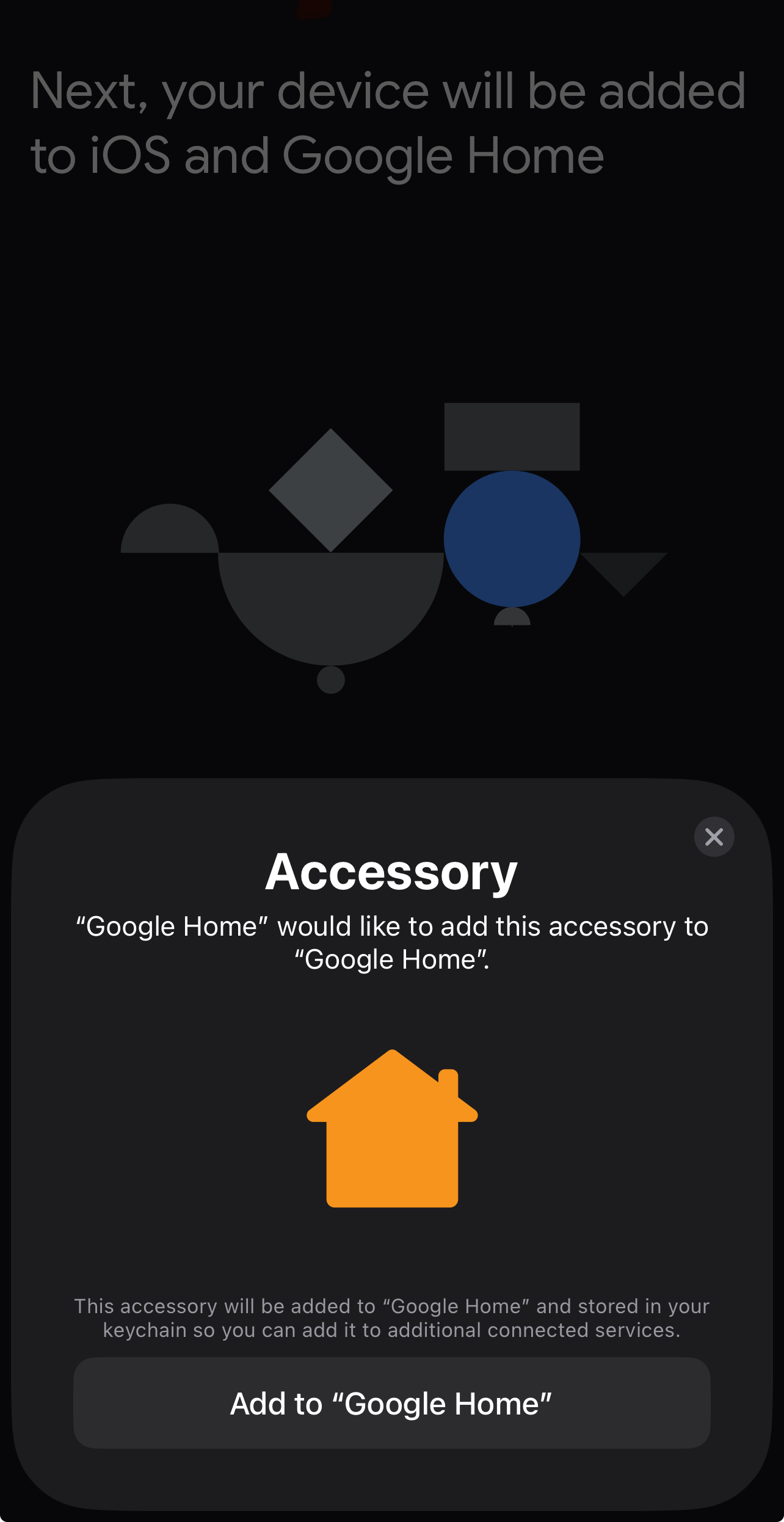
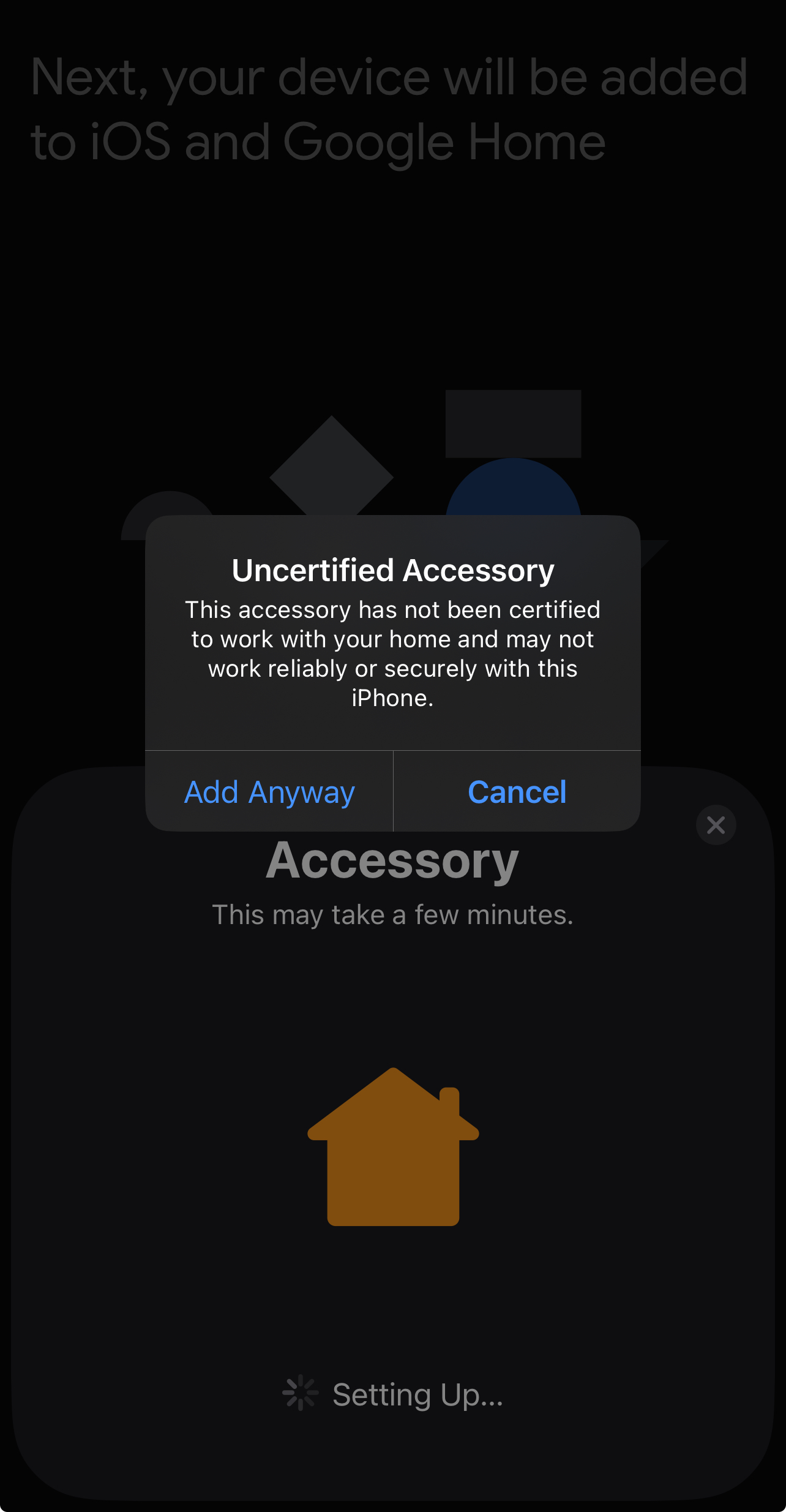
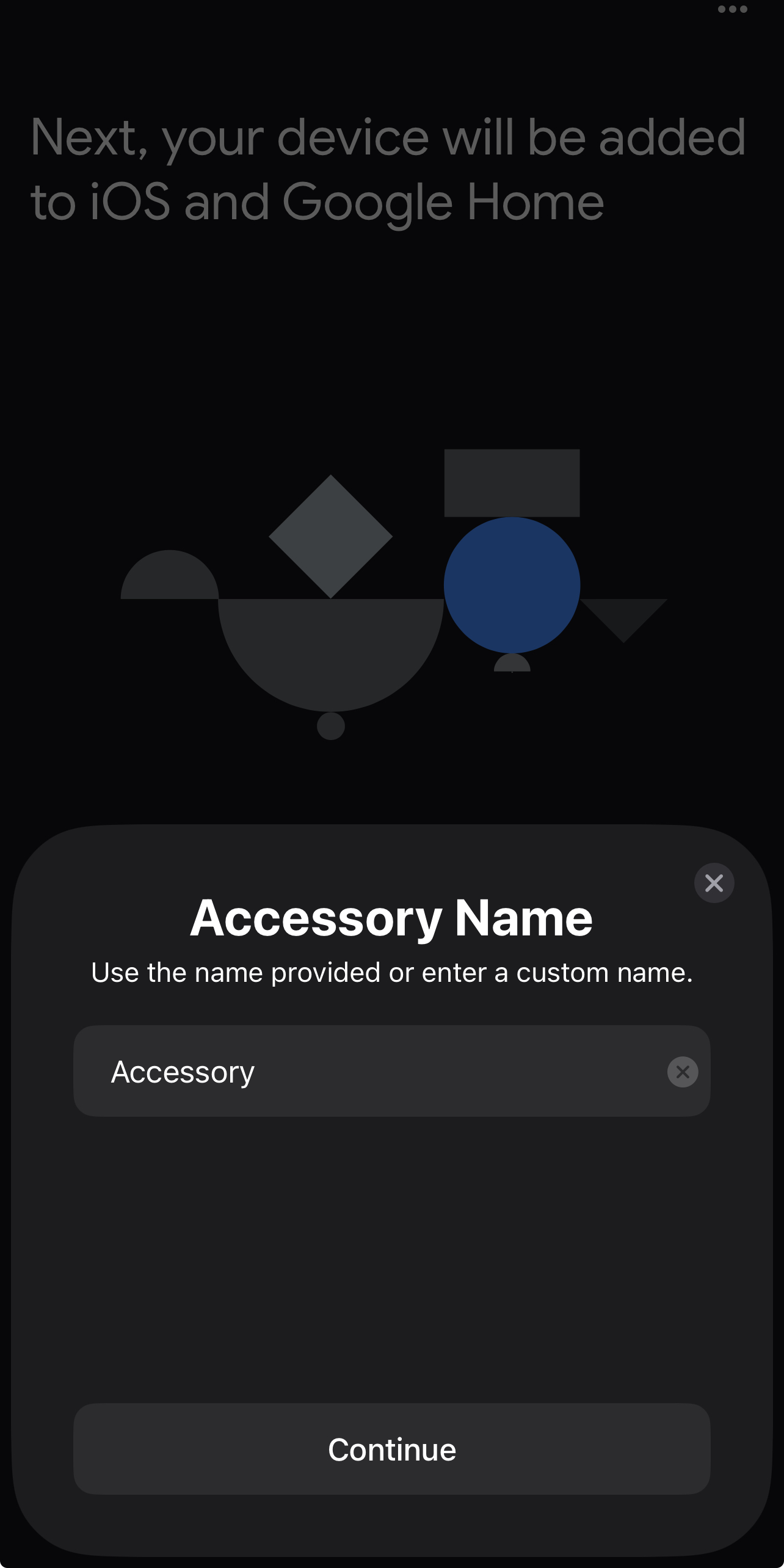
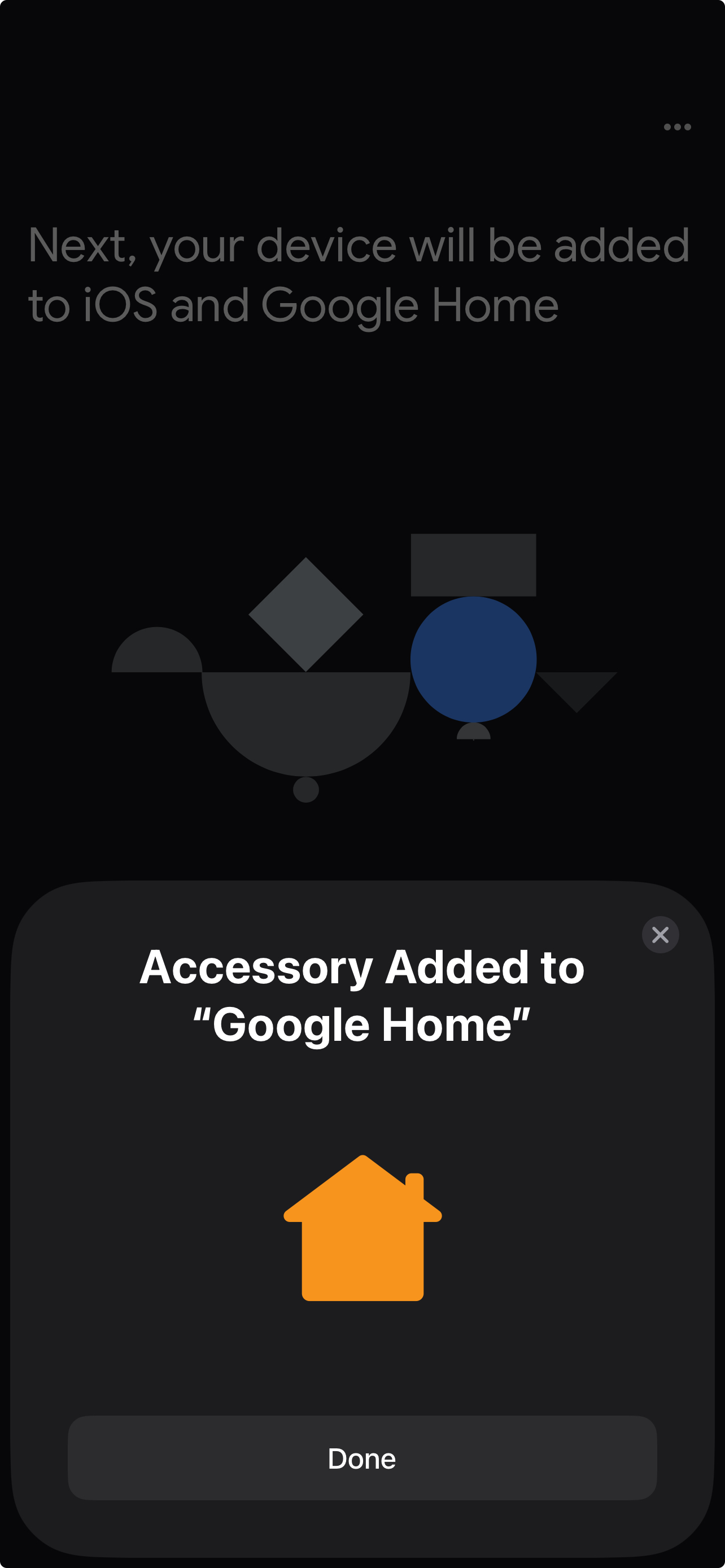
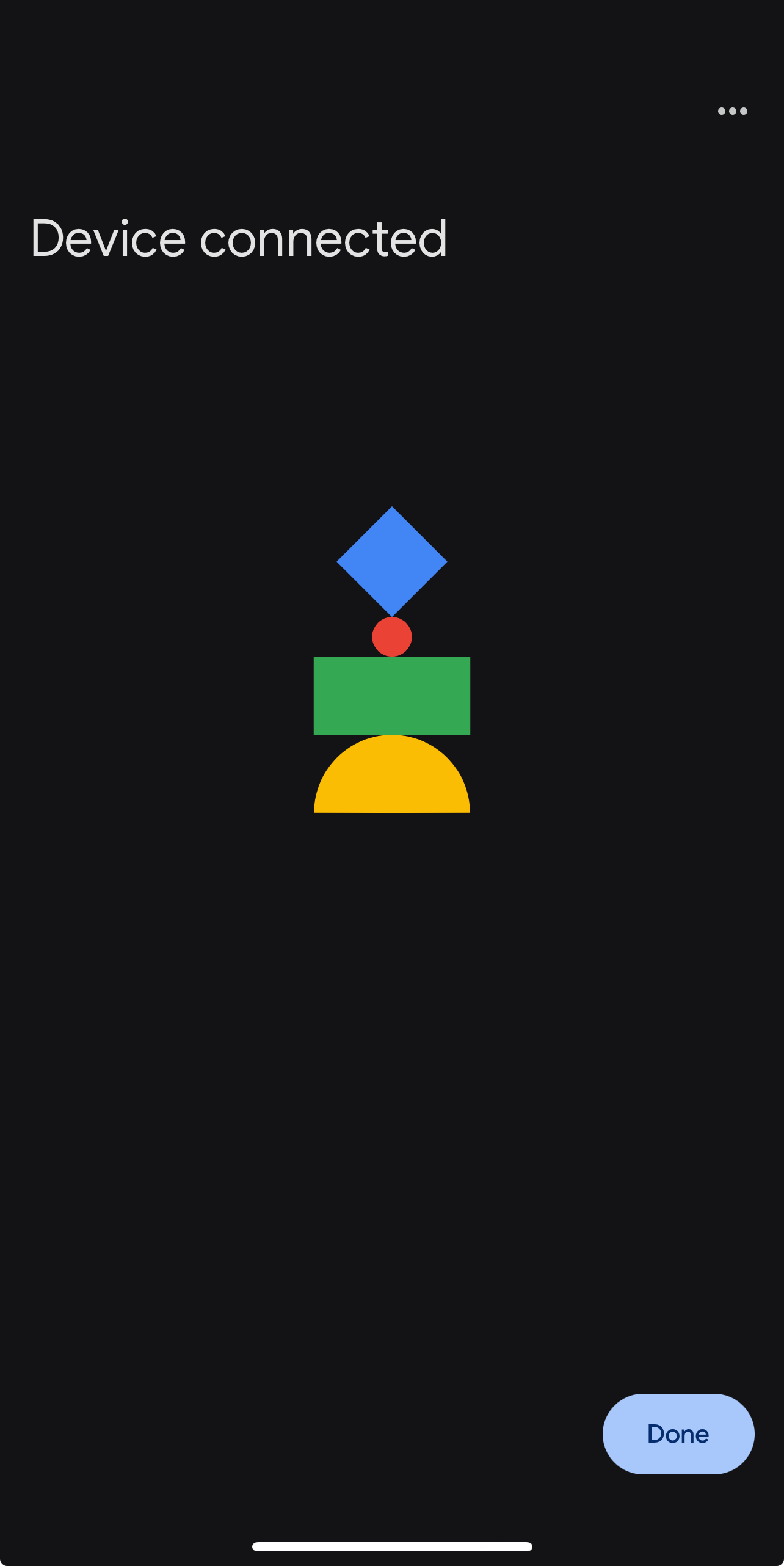
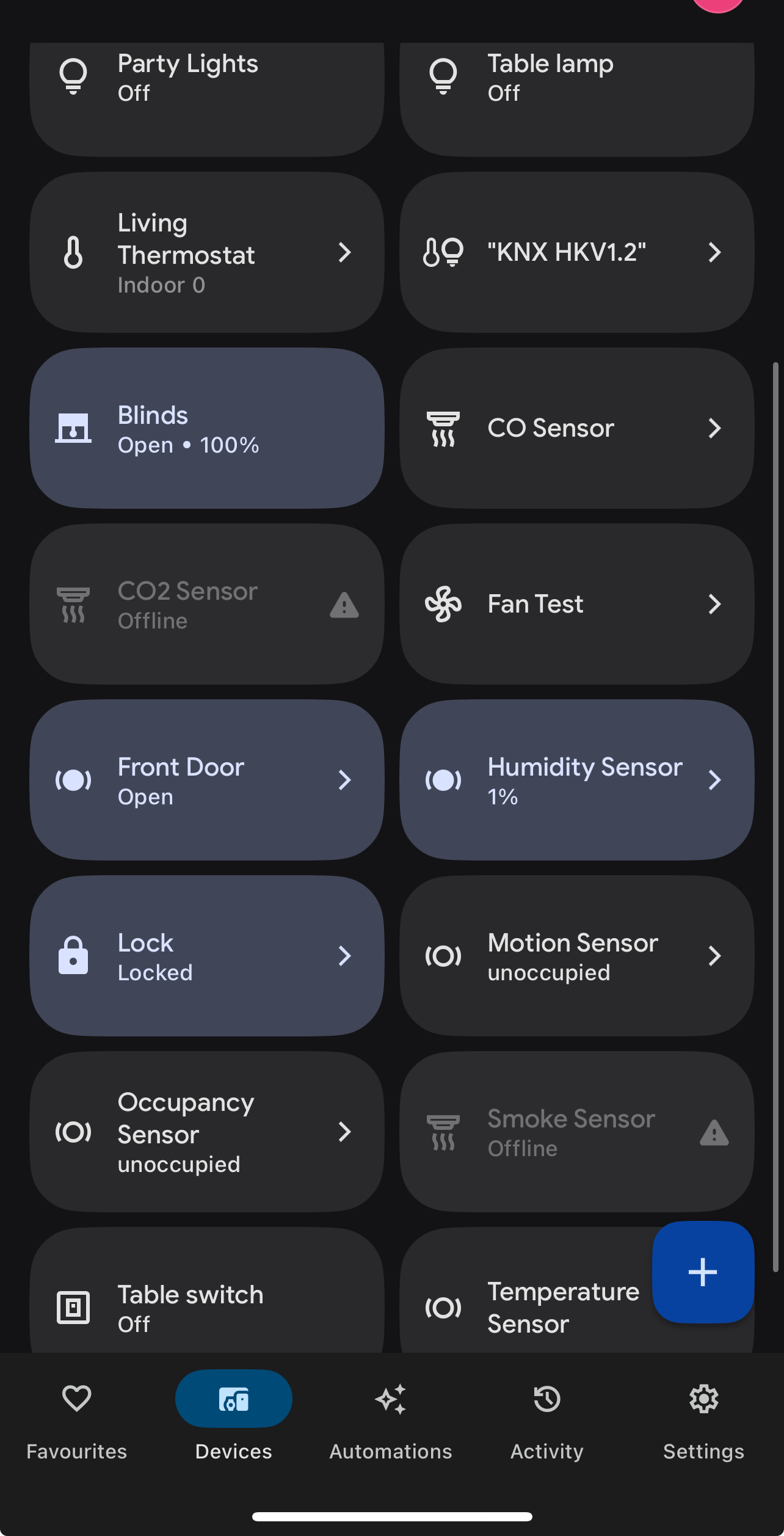
- After clicking Done, your accessories will appear in Google Home.
- Already Commissioned by Another Matter App?
If your Thinka Hub is already set up with Apple Home, SmartThings, Alexa, or another Matter app, simply share the setup code from the first app. In Apple Home, go to Home Settings → Home Hubs & Bridges → Matter Accessory, enable Pairing Mode, and copy the code.
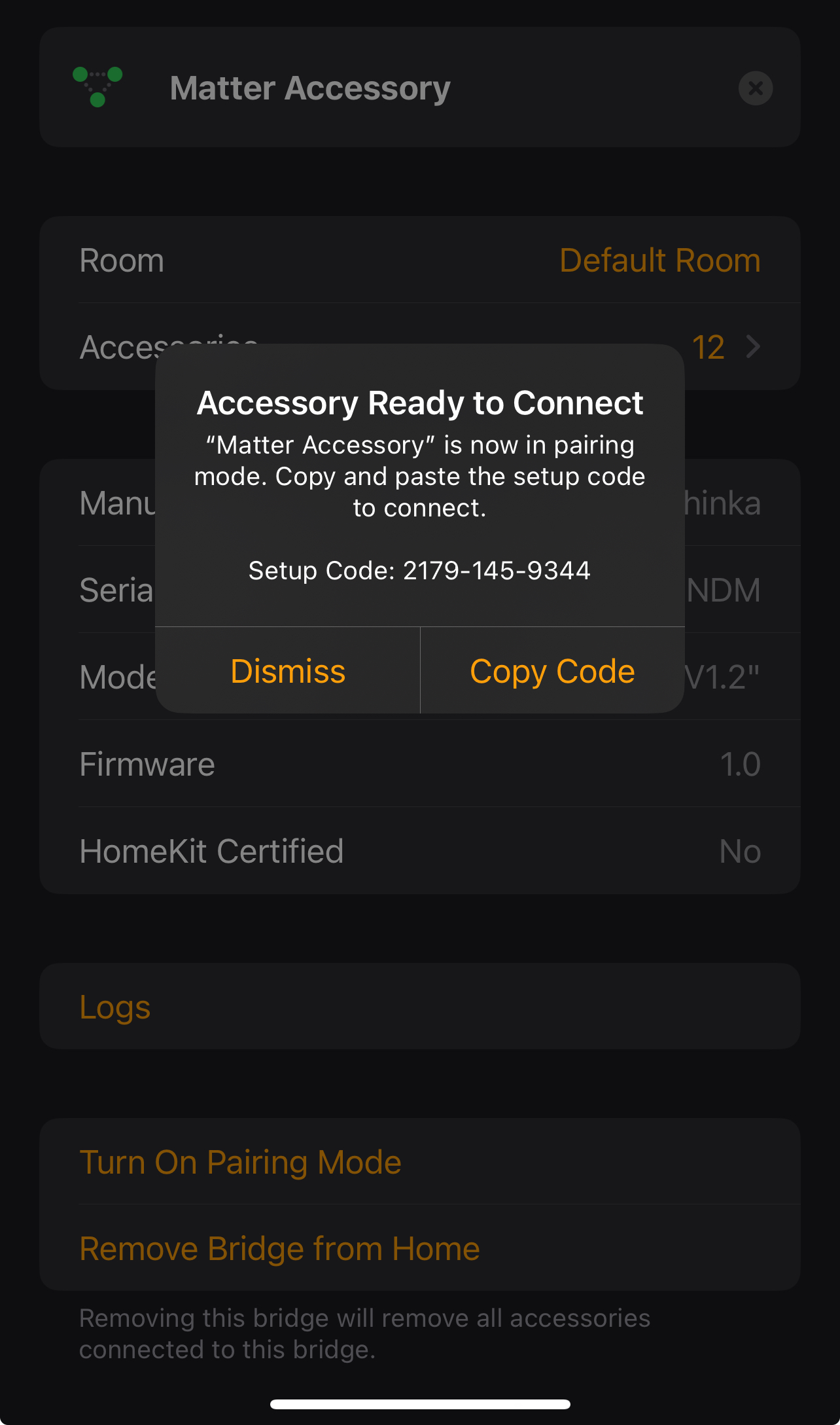
Continue using the Manual Pairing Code as described above.